

Veziv ERP module · SUP
FROMVeziv IT Services, Bucharest
TOYour company

Support, service and helpdesk

The customer calls, emails and follows up on WhatsApp about the same problem, and each colleague knows a different part of the story. Technicians are scheduled on a whiteboard, and complaints get lost once the urgency passes. The Support module puts the request, the customer’s history, the booking and the invoice in the same ticket.

How it works

What goes into the module, what happens there and where the data goes next.

What comes in

  • The customer’s request or complaintCustomer
  • The customer’s history and equipmentCRM
  • The equipment’s warrantyWarranties
  • Parts and materials from the warehouseStock
Support, service and helpdeskSUP

What the module does

  1. 01Opens a numbered ticket, with a deadline and an owner
  2. 02Books the job by technician and work bay
  3. 03Records the diagnosis, the work done and the work recommended
  4. 04Links the ticket to the service quote and the invoice

What goes out, and where

  • The service quote, for approvalCustomer
  • The invoice for the jobFinance
  • Parts used, taken out of stockStock
  • Complaints and jobs per technicianReports

What you can do with it

Included functionsSUP · 9
  • Numbered ticketsEvery request gets a number, priority, owner and deadline. You see what’s new, what’s in progress and what’s closed.
  • Service schedulerYou see technicians and free work bays day by day and put the booking where there is room.
  • Diagnosis and recommended workOn the work order, the technician records what the customer asked for, what he found and what he recommends for next time.
  • Service quote approved by the customerFor extra work, the customer receives the quote by link and approves it. The invoice is created from the approved quote.
  • Customer historyThe customer record holds all their tickets, interventions, equipment and invoices, no matter who took the call.
  • Complaints with documentsComplaints are logged separately, with photos and documents, and stay open until someone closes them.
  • Satisfaction surveysCustomers’ survey answers are collected in reports, alongside complaints.
  • Jobs per technicianYou see how many jobs each technician has done and in which work bays.
  • Example of a fit: car serviceFor a group of automotive companies, the same module has check-in sheets, tyre storage, paint orders and body parts.

A day with the module

An example from a company that uses it.

  1. 08:00 · The day’s schedule

    A car service and paint shop in Pitești opens the scheduler: 3 lifts, 5 mechanics, 14 bookings. One lift is free in the afternoon.

  2. 09:30 · A car comes in

    The receptionist opens the check-in sheet. The customer wants the brake pads replaced.

  3. 11:00 · Recommended work

    The mechanic finds the discs worn and adds them to the recommended work. The customer gets the quote by link and approves it from the office.

  4. 13:00 · The summer tyres

    The customer leaves the summer tyres in storage. Their location is noted on the sheet, so in April they can be found without searching.

  5. 17:30 · Day closed

    The job is invoiced from the work order, the parts come out of stock, and in the evening you see how many jobs each mechanic closed.

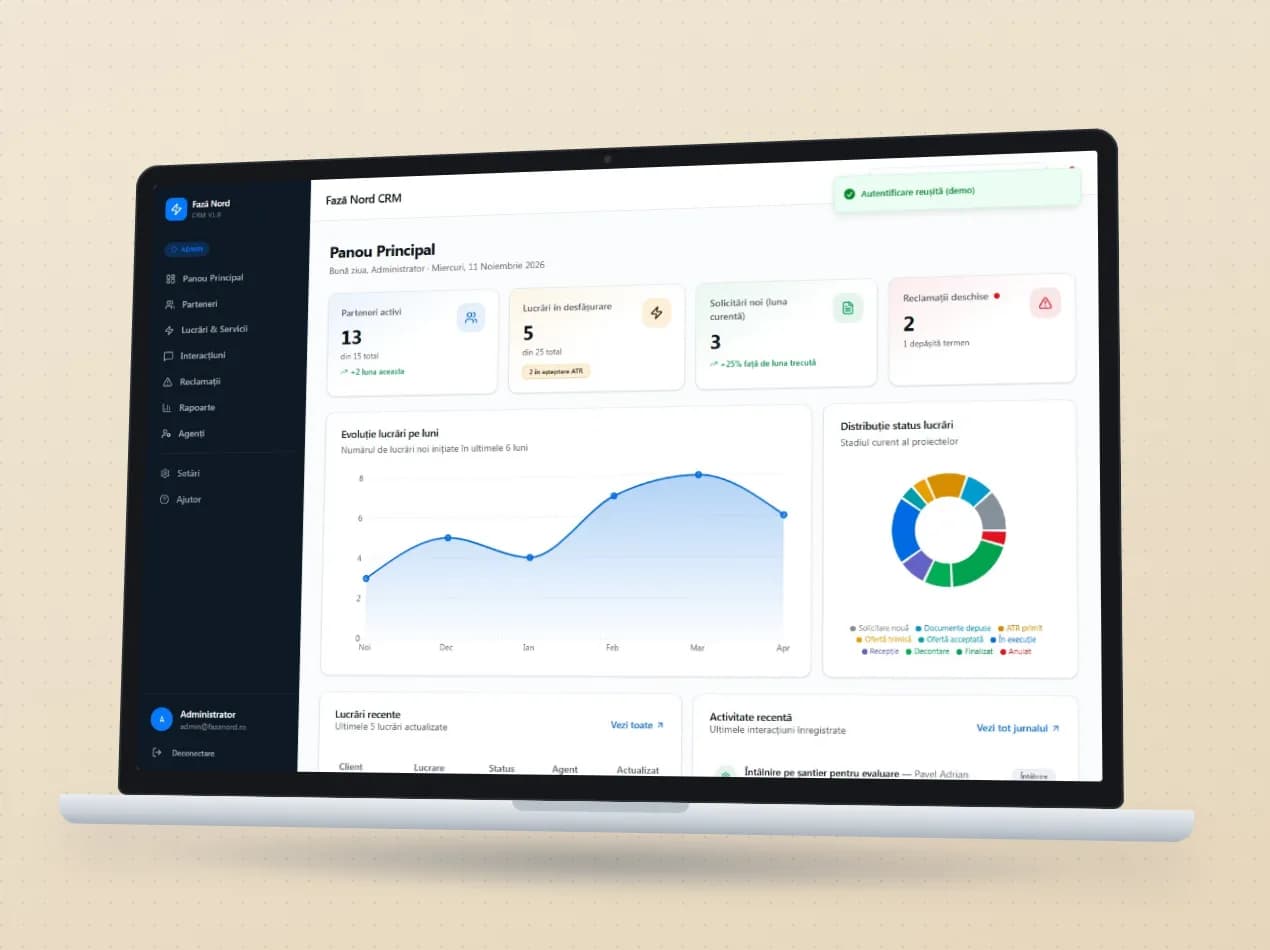
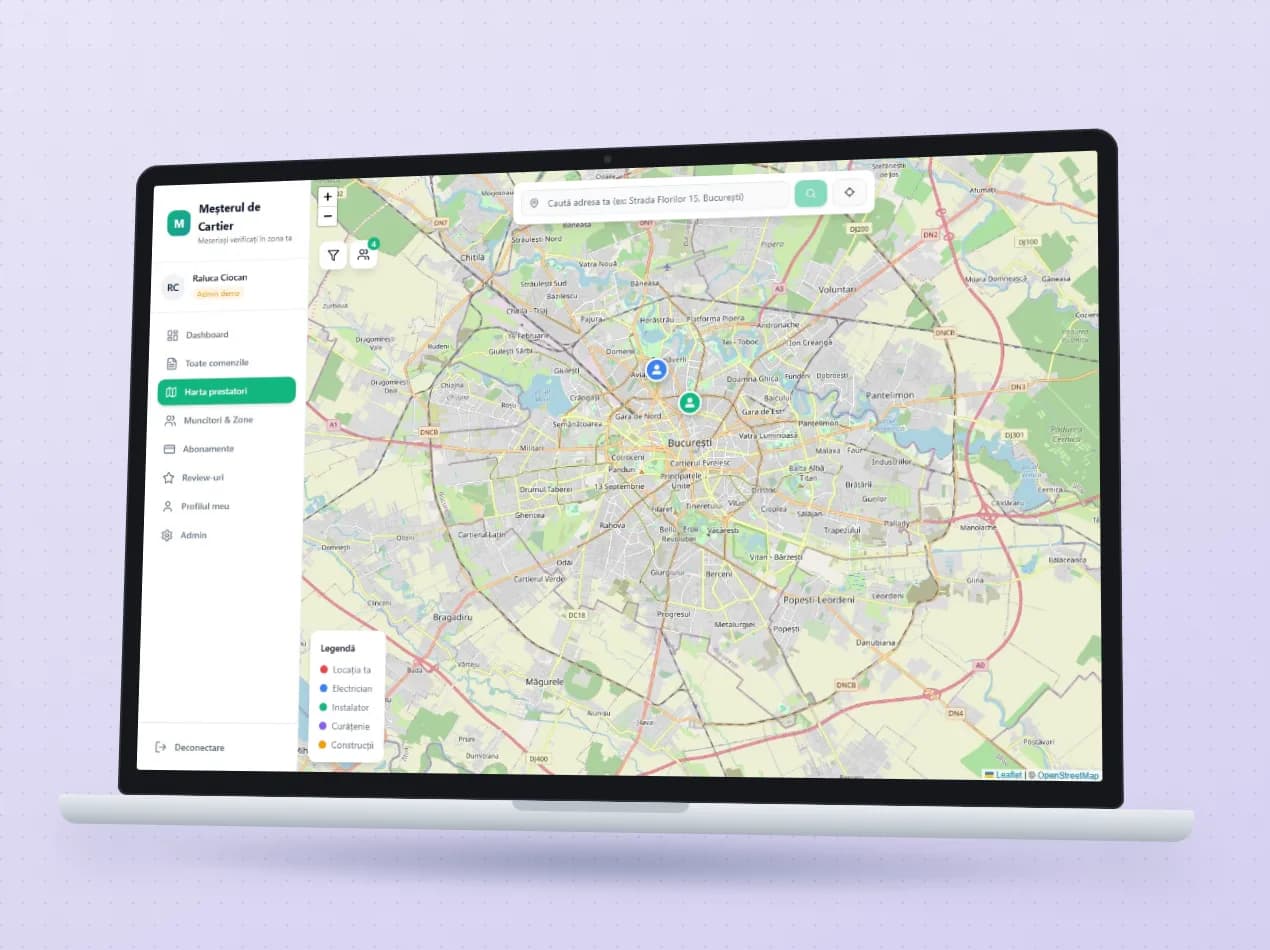
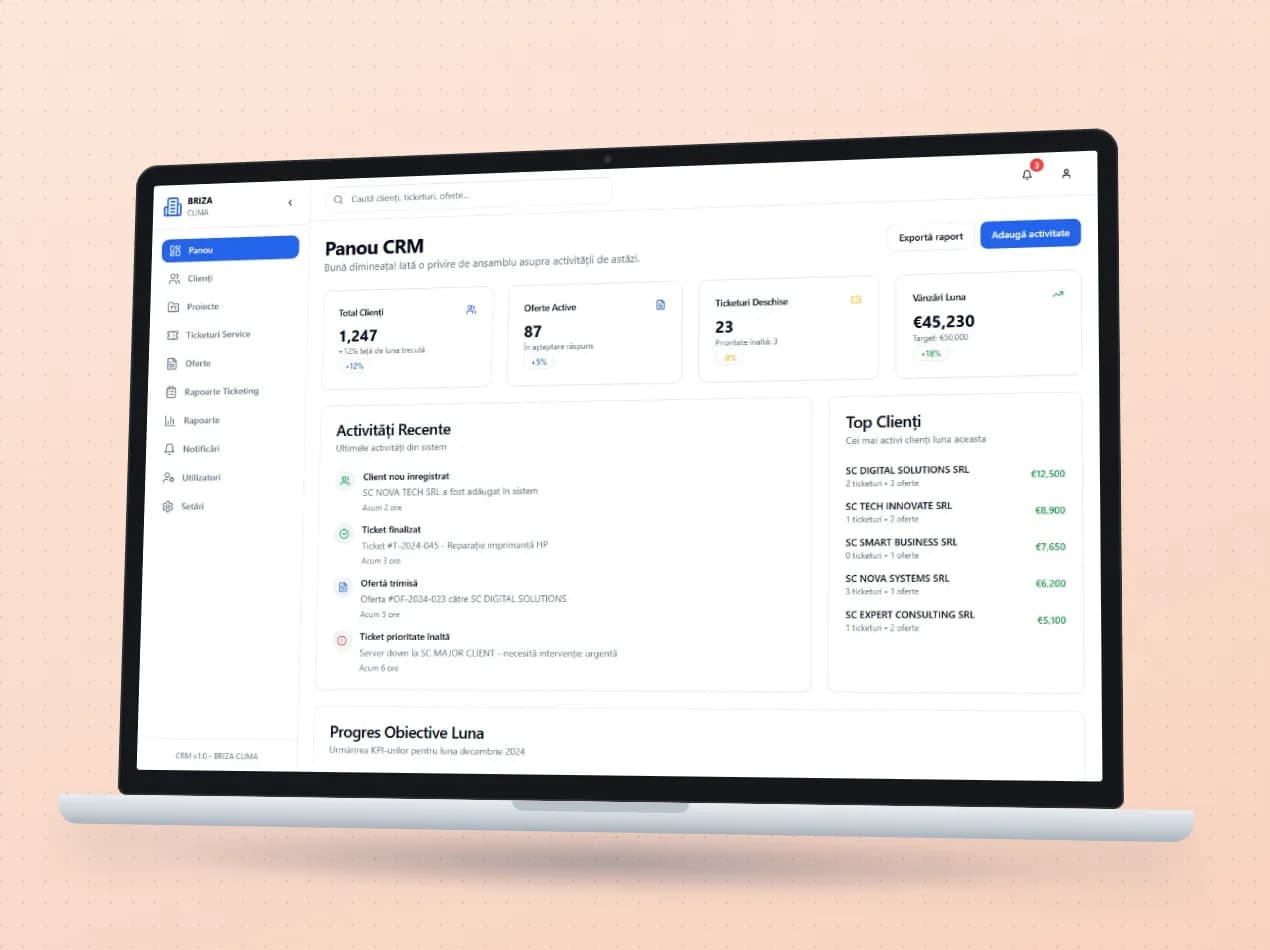
See the module in an app

Demo apps where this module works on test data. Open them directly, no account needed.

Frequently asked questions

Does it work for service other than cars?

Yes. Tickets, the scheduler, history and complaints work the same for any equipment. The car service with tyre storage is one example of how we fitted the module for a client.

Can the customer approve the work without coming in?

Yes. They receive the service quote by link and approve it there.

Can we see whether the equipment is still under warranty?

Yes, if you also use the Warranties module: from the equipment’s serial number you see its warranty on the spot.

New request · returnVZV-NOU · 1/1
FROMYour company
TOVeziv IT Services

Tell us which process you want to put in order.

In a demo we show you the modules on an example close to your company and talk about what would need adapting.