

Veziv ERP module · POSNew module
FROMVeziv IT Services, Bucharest
TOYour company

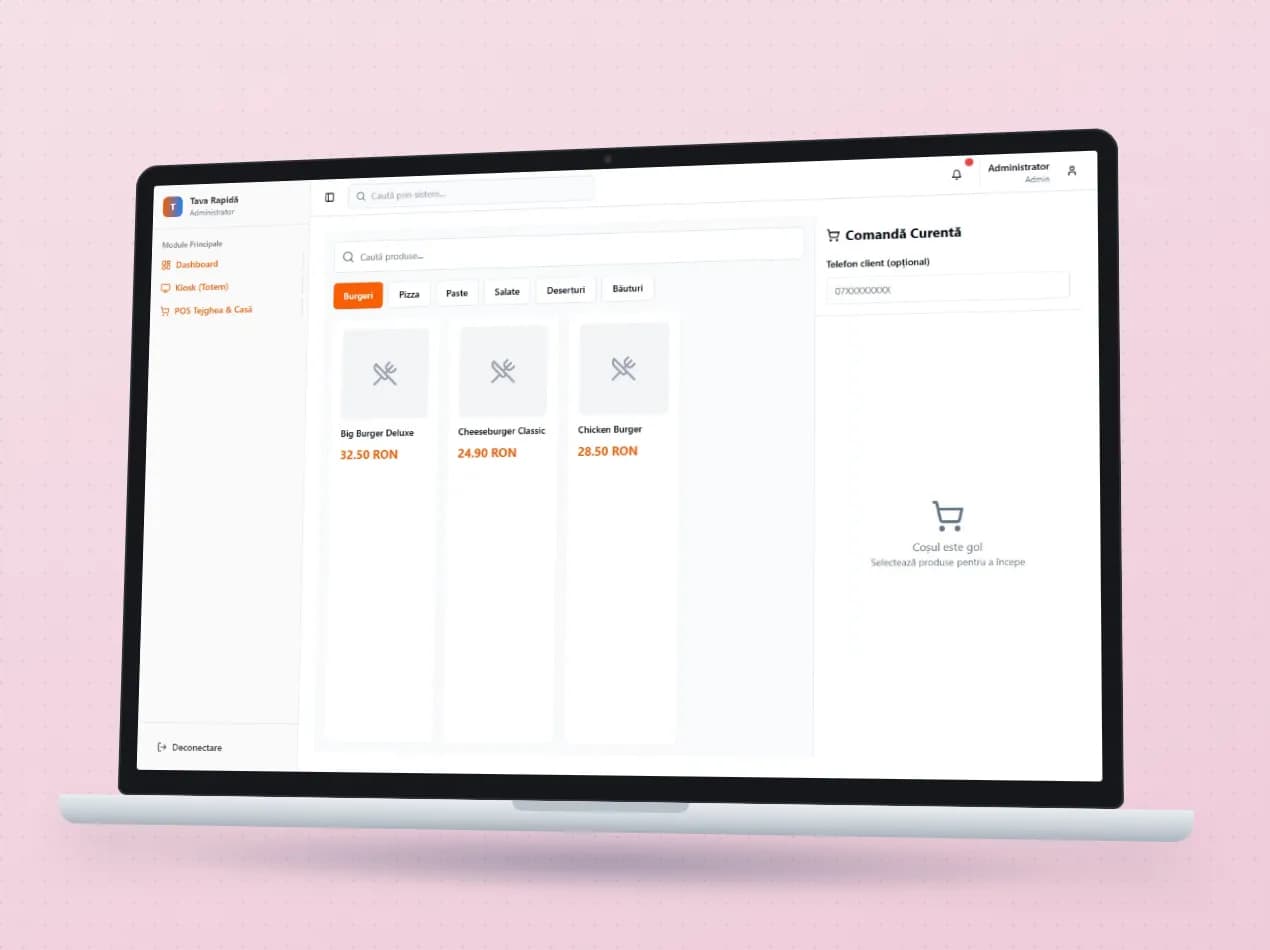
Cash register and POS

The cash register is a separate device, orders reach the kitchen on slips of paper, and you only find out about stock at the stocktake. In the evening, the till report is reconciled by hand with what was sold. The Cash register module links the sale, the kitchen, the stock and the end of the day.

How it works

What goes into the module, what happens there and where the data goes next.

What comes in

  • Products, prices and VAT ratesMaster data
  • Recipes and ingredientsStock
  • Active offers and promotionsSales
  • The order placed at the kiosk or by QRCustomer
Cash register and POSPOS

What the module does

  1. 01Takes payment and issues the fiscal receipt
  2. 02Sends the order to the kitchen or the bar
  3. 03Deducts what was sold from stock, according to the recipe
  4. 04Runs the till by shift, with safe and cash tracking
  5. 05Closes the day with the Z report

What goes out, and where

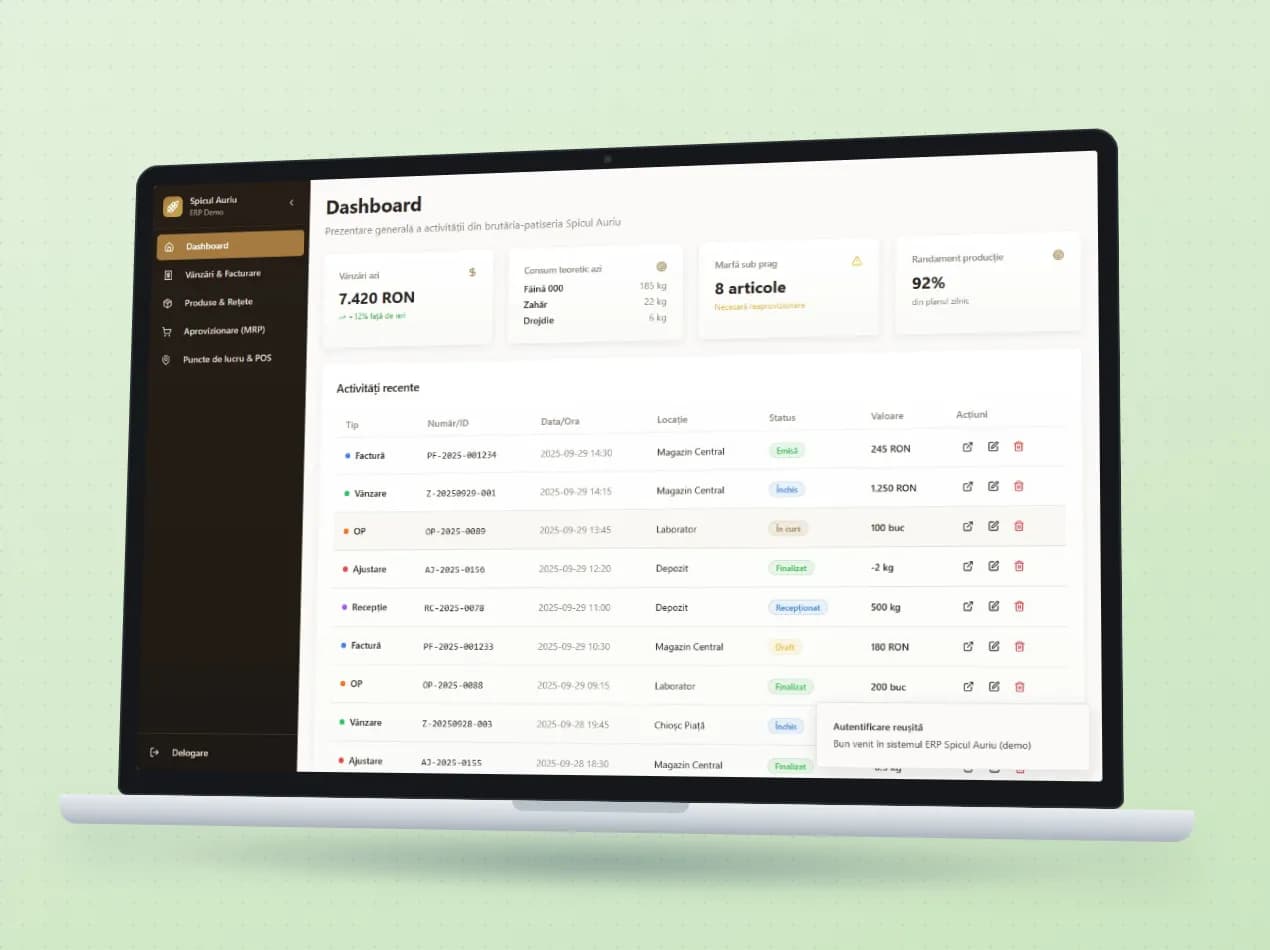
  • The day's sales and takingsFinance
  • Ingredients and goods consumedStock
  • The customer's loyalty pointsCRM
  • The till reportAccountant
  • An alert when an ingredient drops below the thresholdyou

What you can do with it

Included functionsPOS · 10
  • Sales by cashier shiftEach cashier opens and closes their own shift, so sales and cash are visible for every shift.
  • Fiscal receipt through FGOThe fiscal receipt is issued through FGO. The customer can also get a digital receipt by link.
  • X and Z reports, safeYou print the X report at any time and the Z report at closing. Deposits into and withdrawals from the safe are recorded separately.
  • Works without internet tooIn a shop, the till keeps selling when the internet goes down and sends the sales once the connection is back.
  • Tables, bills and split paymentsThe waiter works on the table map, joins tables, splits the bill per person and takes cash, card or a mix of both.
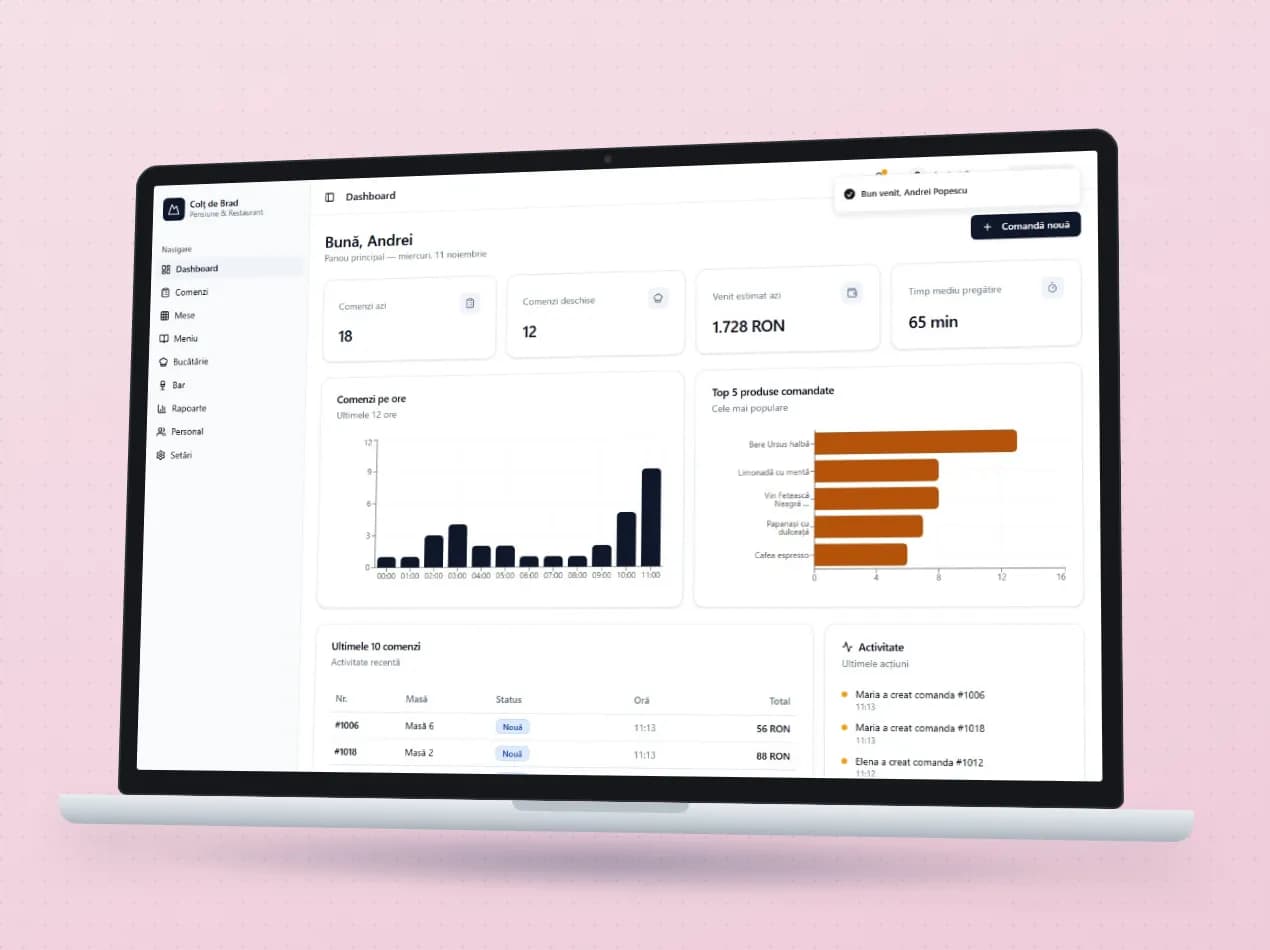
  • Kitchen displayThe order appears on the kitchen or bar station, with a colour-coded timer and the recipe steps.
  • Kiosk and QR orderingCustomers order on their own at the kiosk, in Romanian, English, German or Hungarian, or from the table by scanning the QR code.
  • Stock deducted by recipeFor every product sold, the recipe's ingredients are deducted automatically. When an ingredient drops below the threshold, you know right away.
  • Offers and loyaltyPromotions apply themselves at the till, and regular customers collect points in the loyalty programme.
  • Discounts with a reasonEvery discount requires a reason, and everyone logs in with their own PIN. You know who gave which discount.

A day with the module

An example from a company that uses it.

  1. 10:00 · Opening

    In a bistro with 18 tables, each waiter logs in with their own PIN and the till starts the morning shift.

  2. 13:00 · The lunch rush

    Table 7 orders on its own by QR. The waiter sends the main course with the next wave, and the kitchen sees the orders with timers.

  3. 13:40 · A split bill

    Four colleagues pay separately: two by card, two in cash. The bill is split per person, with no maths on a napkin.

  4. 16:00 · Running low on mozzarella

    Stock has been deducted by recipe all day and has dropped below the threshold. The alert prepares the order to the supplier.

  5. 23:30 · Closing the day

    The Z report and the till report come out directly. Sales by waiter and by product are already calculated.

See the module in an app

Demo apps where this module works on test data. Open them directly, no account needed.

Frequently asked questions

What happens if the internet goes down?

In the shop version, the till keeps selling without internet and sends the sales once the connection is back.

Does it issue fiscal receipts?

Yes. The fiscal receipt is issued through FGO, and the customer can also get the receipt in digital form, by link.

Does it work on a tablet or a phone?

Yes. In restaurants, waiters, cooks and the kiosk use the app on an Android tablet or phone. In shops, the till runs as an app installed from the browser.

New request · returnVZV-NOU · 1/1
FROMYour company
TOVeziv IT Services

Tell us which process you want to put in order.

In a demo we show you the modules on an example close to your company and talk about what would need adapting.