

Veziv ERP module · QANew module
FROMVeziv IT Services, Bucharest
TOYour company

Quality and traceability

The inspection checklist is on paper on the shop floor, non-conformities sit in an Excel file, and when a customer complains about a part it is hard to find out which batch it came from. With the Quality module, every inspection, every problem and every batch has its own record, linked to the order and the product.

How it works

What goes into the module, what happens there and where the data goes next.

What comes in

  • Raw materials receivedStock
  • Work orders and their stagesProduction
  • The customer's ordersSales
  • Complaints receivedCustomer
Quality and traceabilityQA

What the module does

  1. 01Puts a QR code label on every batch, from receiving onwards
  2. 02Requires the checklist at every stage, according to each person's role
  3. 03Opens the non-conformity report and tracks the corrective action
  4. 04Links the batch to the stations, people and order it passed through
  5. 05Keeps complaints and customer satisfaction surveys

What goes out, and where

  • The full path of a batch, in one scanyou
  • Scrap deducted from stockStock
  • The declaration of performance for deliveryCustomer
  • EUDR declarations for timberEU system
  • Non-conformities and corrective actions by periodReports

What you can do with it

Included functionsQA · 10
  • Checklists by roleEach role has its own inspection checklist, mandatory at the stage it checks.
  • Non-conformity reportsThe problem is logged with a description and attached documents, on the order where it was found.
  • Corrective actions trackedEach non-conformity has its corrective action, documents and history, until it is closed.
  • QR labels per batchThe batch gets a label at receiving. The operator scans it with a phone at every station.
  • End-to-end traceabilityFor any product delivered you see which raw material batch it came from, which stations it passed through and which order it left on.
  • Declarations of performance and recallsYou produce the product's declaration of performance. If a batch has a problem, you find out where every unit from it ended up.
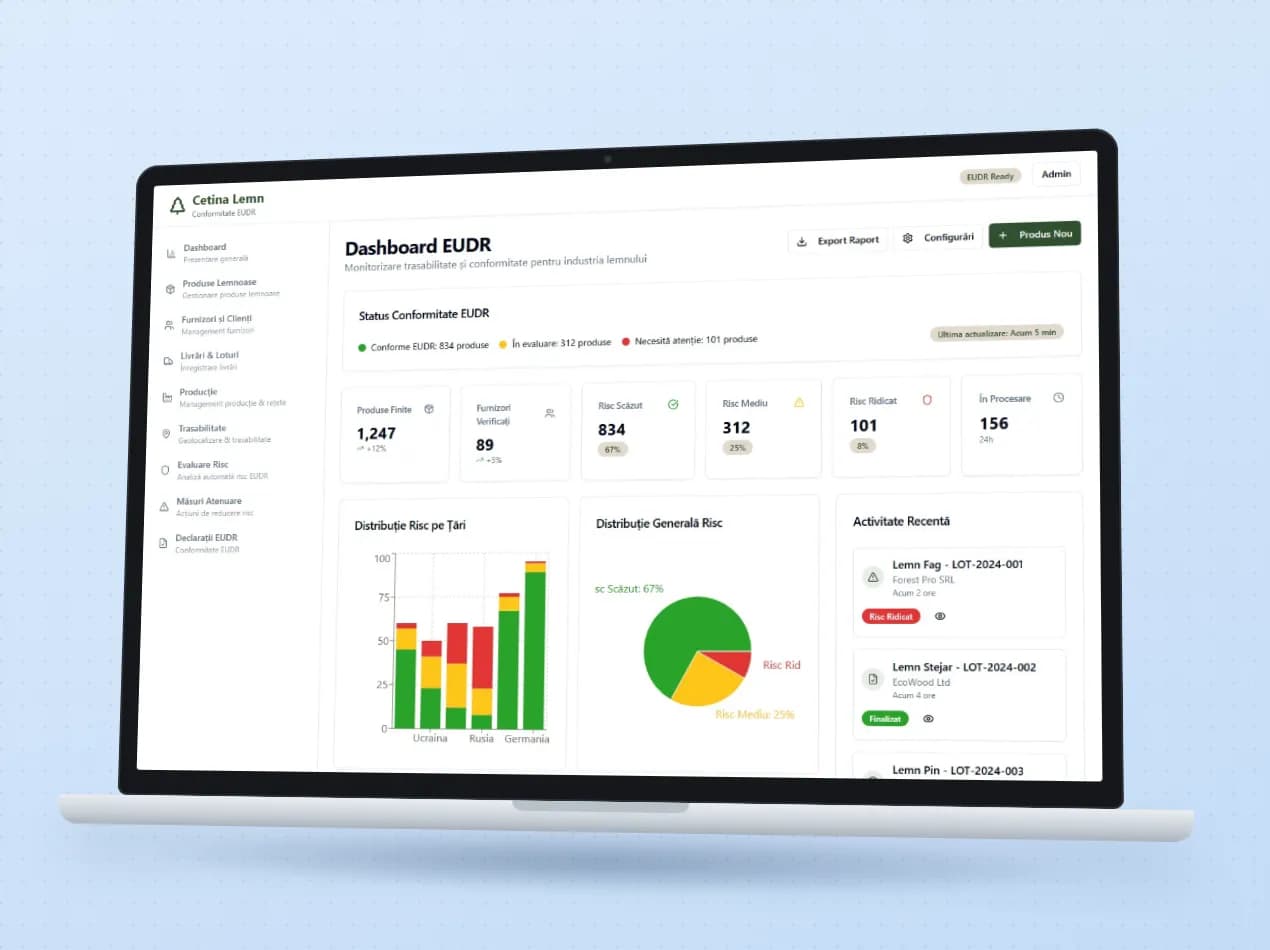
  • EUDR compliance for timberFor each supplier you keep the harvesting areas, certifications and risk assessment. Due diligence statements are submitted, amended or withdrawn directly in the EU system.
  • Certifications with expiry datesYou get an alert before a supplier's certification expires, not after.
  • Complaints and customer satisfactionComplaints and satisfaction surveys have their own registers and separate reports.
  • An audit-ready registerThe inspection register and non-conformity reports export to Excel or PDF.

A day with the module

An example from a company that uses it.

  1. 07:30 · Timber comes through the gate

    At a solid wood furniture factory, 18 m³ of oak arrives. Each bundle gets a QR label, with the supplier and the harvesting area.

  2. 10:00 · Inspection at cutting

    The inspector opens the cutting checklist on a phone and ticks off the points. On one bundle, the moisture is above the limit.

  3. 10:15 · Non-conformity opened

    The problem is logged against that batch, with photos. The corrective action is clear: the bundle goes back for drying.

  4. 13:00 · A customer complains

    A worktop delivered last month has a crack. You scan the label and see the timber batch, the stations it passed through and who worked on it.

  5. 16:00 · The export order

    For goods going to Germany, the EUDR declaration is sent from the application, with the suppliers and harvesting areas already filled in.

See the module in an app

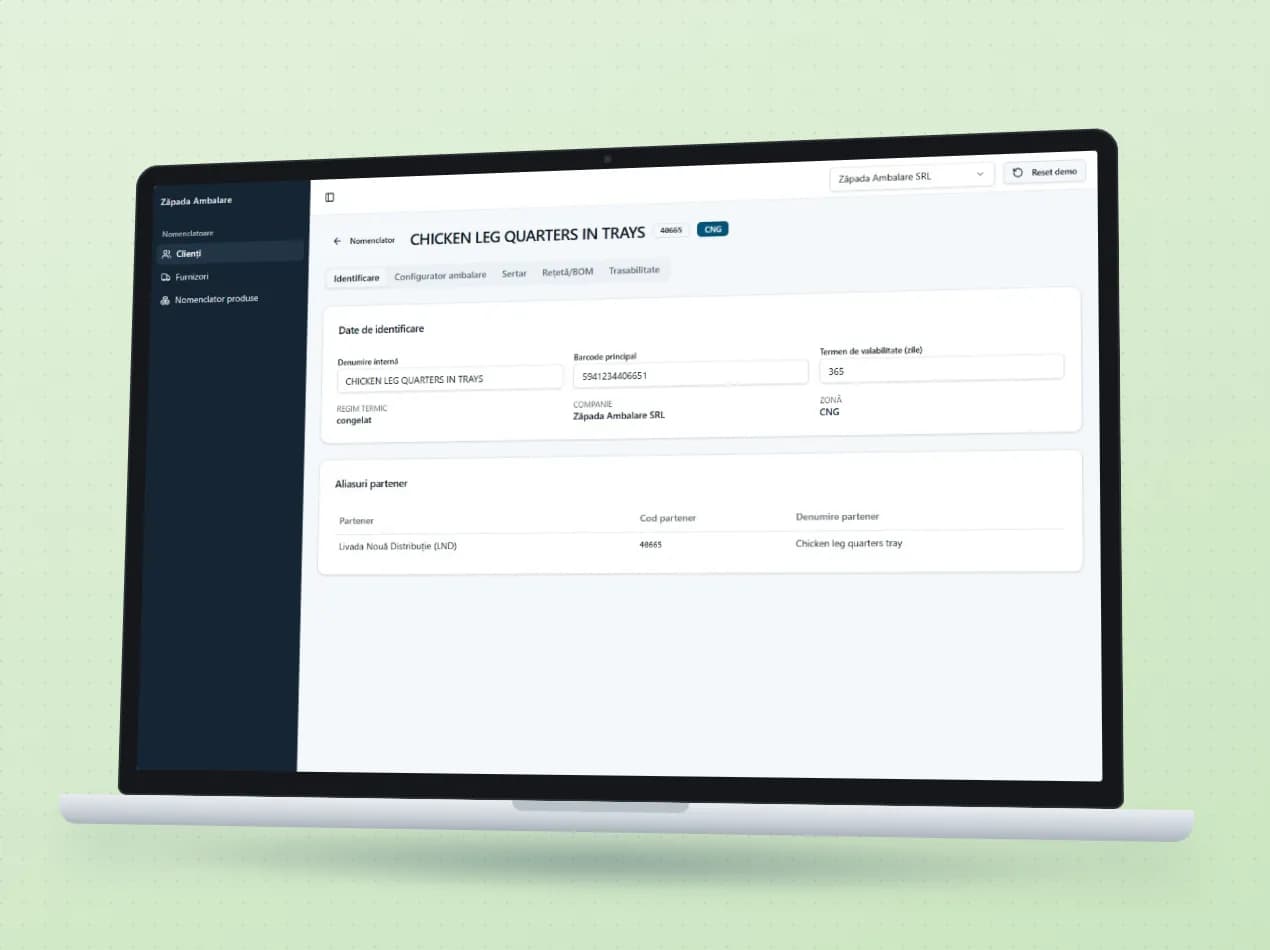
Demo apps where this module works on test data. Open them directly, no account needed.

Frequently asked questions

Can we scan the labels with a phone?

Yes. The operator scans the QR code with the phone camera, and the labels are printed from the application.

Does it help with the EU deforestation regulation for timber (EUDR)?

Yes. You keep suppliers, harvesting areas and the risk assessment, and due diligence statements are submitted, amended or withdrawn from the application, through the EU system.

Our customer has its own inspection requirements. Can we bring them in?

Yes, if they come in a file we can read. At a workshop working for a German group, the inspection requirements are imported directly from the order files.

New request · returnVZV-NOU · 1/1
FROMYour company
TOVeziv IT Services

Tell us which process you want to put in order.

In a demo we show you the modules on an example close to your company and talk about what would need adapting.