

Veziv ERP module · INT
FROMVeziv IT Services, Bucharest
TOYour company

Integrations and automation

You download incoming invoices from SPV by hand, check the bank statement line by line, and create the AWB (shipping label) on the courier’s website before copying the number back into the order. The Integrations module connects the ERP to the software you already use, so data moves from one to the other without anyone typing it a second time.

How it works

What goes into the module, what happens there and where the data goes next.

What comes in

  • Invoices received in SPV (the ANAF e-invoicing portal)ANAF
  • Partners, items and invoices from the accounting softwareAccountant
  • Transactions from the bank statementBank
  • Orders from the websiteOnline store
  • AWBs and parcel statusCourier
Integrations and automationINT

What the module does

  1. 01Connects to each program with your company’s own account
  2. 02Pulls new data at fixed times, some every 5 minutes
  3. 03Shows you what came from accounting and waits for confirmation before it enters the ERP
  4. 04Sends back delivery notes, NIRs (goods received notes), payments and orders
  5. 05Keeps a log of every sync, with errors explained and a retry

What goes out, and where

  • Inventory documents, in the accounting softwareAccountant
  • Payments matched to invoicesPayments
  • The AWB generated from the orderLogistics
  • Updated stock on the websiteOnline store

What you can do with it

Included functionsINT · 10
  • e-Factura and online invoicingIncoming invoices are downloaded from SPV on their own, for every company in the account, and linked to the supplier and the goods receipt. Outgoing ones go out through FGO or SmartBill, straight from the order.
  • SAGA, NextUp and NexusYour accounting software stays yours. With NextUp, data flows both ways every 5 minutes. With SAGA, the ERP takes the chart of accounts, warehouses and items and sends back the inventory documents.
  • Nothing gets in without confirmationWhatever comes from accounting first appears on the “To confirm” screen. The operator chooses whether the partner is a customer or a supplier, what type the item is and which delivery note the invoice belongs to.
  • Bank matched to invoicesStatements arrive automatically through FINT or from a file. Each payment is matched to its invoice by IBAN, by the number in the description or by amount.
  • CouriersYou generate the AWB through FAN Courier, Sameday or DPD from the order, without going to the courier’s website.
  • The online storeOrders from WooCommerce, Shopify or Gomag go into the ERP, and stock goes back to the website. The details are in the Online store module.
  • GPS and fuel cardsVehicle positions come from the tracking provider, and Fill&Go fuel card transactions come in on their own, every hour.
  • Google and MicrosoftReports in Google Sheets, templates in Google Docs, files in Drive, email and calendar from Gmail or Outlook, linked to the records in the ERP.
  • More than 20 scheduled jobsThe BNR (National Bank of Romania) exchange rate comes in at 8:00 in the morning. Stock below minimum is checked every hour. Invoices coming due and overdue ones show up for you every morning.
  • ONRC, SMS and recruitmentYou look up new companies in ONRC (trade register) data, login codes go out by text message through SMSAdvert, and candidates from BestJobs go straight into the recruitment list.

A day with the module

An example from a company that uses it.

  1. 07:30 · Overnight invoices

    A plumbing supplies distributor opens the ERP. The 14 invoices received overnight in SPV are already downloaded and linked to their suppliers.

  2. 08:00 · Exchange rate and due dates

    The BNR exchange rate is in. The accountant has in her notifications the invoices due today and the ones already overdue.

  3. 10:15 · A payment hits the bank

    A customer pays two invoices with a single transfer. The statement arrives on its own, and the amount is split across the two invoices, starting with the oldest.

  4. 12:40 · An order from the website

    The order enters the ERP with the customer recognised by email. The warehouse prepares it, and the FAN Courier AWB is generated from the order.

  5. 16:00 · What came from accounting

    The accountant added three new partners in the accounting software. You find them on the “To confirm” screen, choose each one’s role and confirm.

See the module in an app

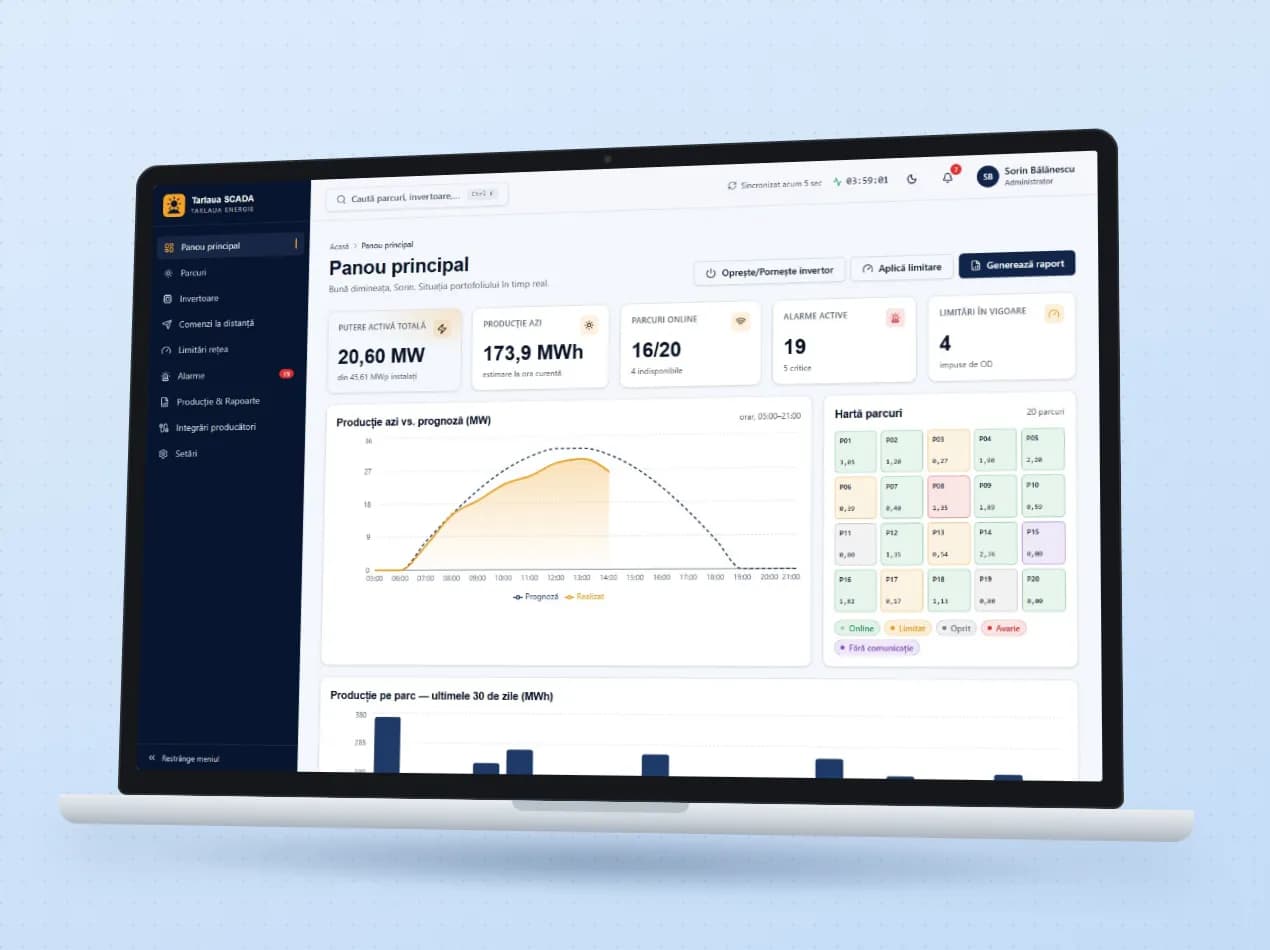
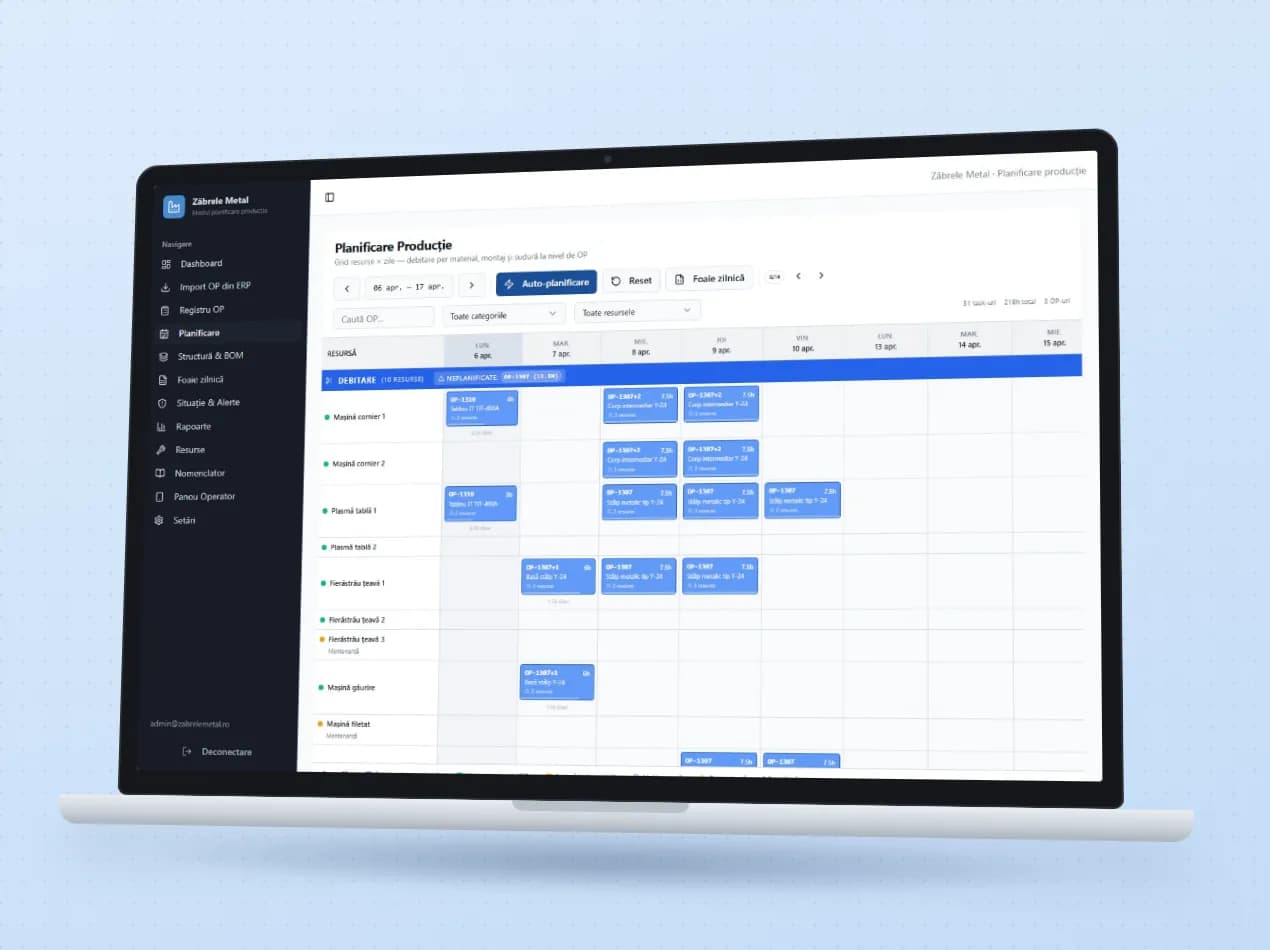
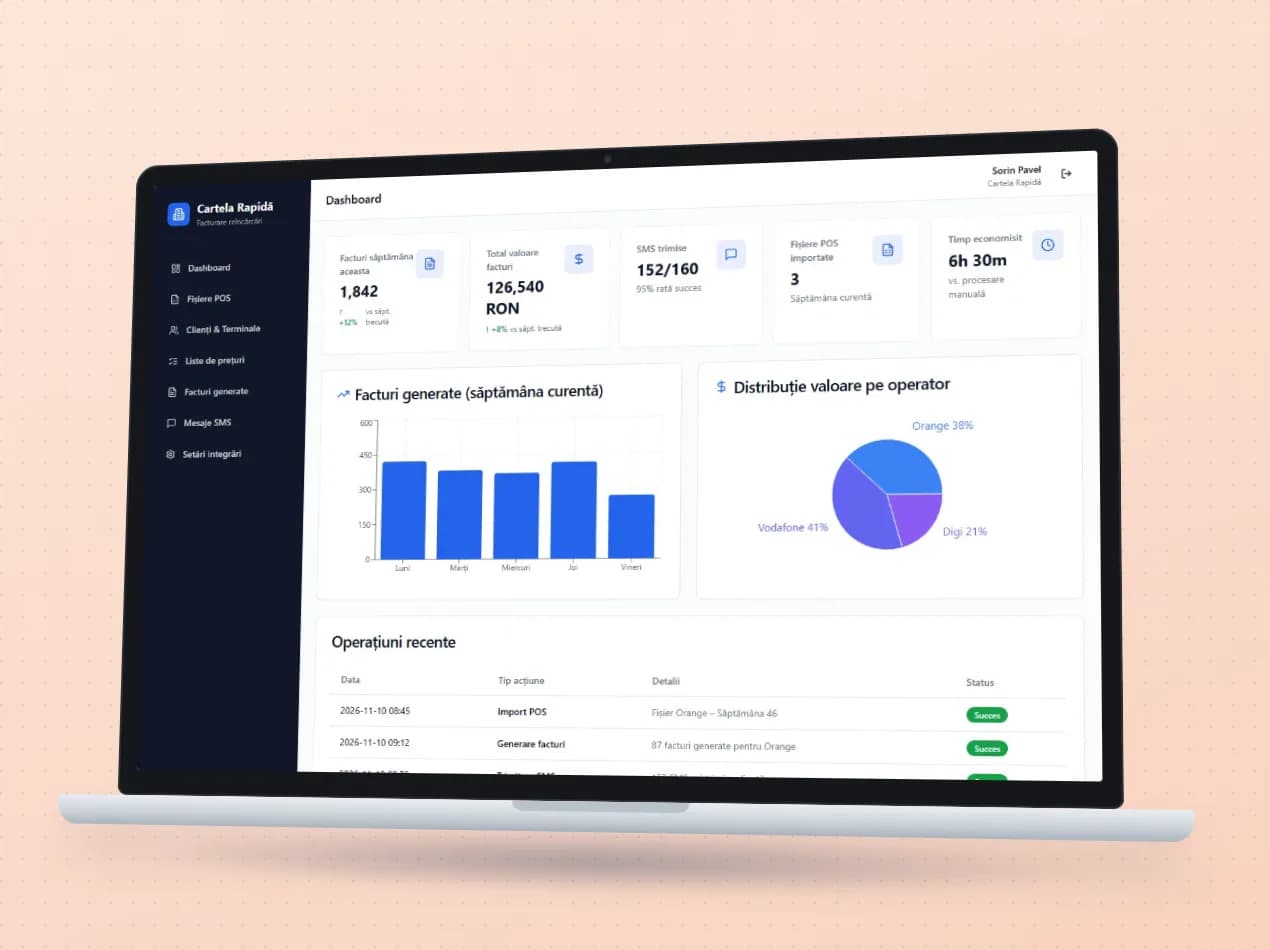
Demo apps where this module works on test data. Open them directly, no account needed.

Frequently asked questions

We use SAGA. Do we have to change our accounting software?

No. Your accounting software stays, and the ERP connects to it. We already work with SAGA, NextUp and Nexus.

What happens if a sync fails?

It shows up in the sync log, with the error explained, and can be retried. For the online store, a safety queue holds orders while the server is down.

We use software that isn’t on the list. Can it be connected?

We have connected the ERP to lesser-known programs too, including another ERP, through its web services. We first look at what access your software offers and then tell you.

New request · returnVZV-NOU · 1/1
FROMYour company
TOVeziv IT Services

Tell us which process you want to put in order.

In a demo we show you the modules on an example close to your company and talk about what would need adapting.