

Veziv ERP module · MNT
FROMVeziv IT Services, Bucharest
TOYour company

Maintenance

Services are remembered from the calendar on the wall, ISCIR (Romania's boiler and pressure equipment authority) and calibration deadlines come up when the customer calls, and a piece of equipment's history lives in the technician's notebook. The Maintenance module puts equipment, services, interventions and spare parts in one place.

How it works

What goes into the module, what happens there and where the data goes next.

What comes in

  • Equipment sold, with serial number and warrantyWarranties
  • The company's machines and vehiclesFleet
  • The fault reported by the customerSupport
  • Spare parts and consumablesStock
  • The maintenance contractContracts
MaintenanceMNT

What the module does

  1. 01Schedules services by calendar or by usage
  2. 02Opens the intervention with diagnosis, parts and hours
  3. 03Tracks ISCIR, calibration and inspection deadlines
  4. 04Records who pays: the customer, the warranty or the supplier
  5. 05Keeps the history of every piece of equipment

What goes out, and where

  • The invoice for a paid interventionFinance
  • Parts usedStock
  • The service report and the delivery noteCustomer
  • The maintenance reportReports
  • An alert before a deadlineyou

What you can do with it

Included functionsMNT · 10
  • A record for every piece of equipmentSpecifications, documents, usage and the full history of interventions, on a single screen.
  • Service planServices are scheduled by calendar or by how much the equipment has been used. Overdue ones stand out.
  • Equipment installed at customers' sitesFor each customer you see what equipment they have, whether it is under warranty and which services are coming up, free or paid.
  • Fault logFaults on the shop floor are logged against the machine, with who reported them and what was done.
  • Interventions with parts and hoursThe technician records the diagnosis and the parts and consumables used. Parts are deducted from stock, and the cost stays on the intervention.
  • Who paysFor each intervention you record whether the customer, the warranty or the supplier pays. Billable ones become an invoice directly.
  • ISCIR and metrological calibrationDeadlines appear in the calendar and you get a notification in good time, not after they have already passed.
  • Technical inspections and certificatesEach inspection has its own checkpoints, the measuring instruments used and the certificate issued at the end.
  • Maintenance contractsPlanned interventions are linked to the customer's contract, so you know what you promised and what you have done.
  • Imported equipment listYou don't start from scratch: your existing equipment list is imported from a file.

A day with the module

An example from a company that uses it.

  1. 08:00 · This week's services

    A company that maintains refrigeration equipment has 11 services scheduled this week. Two are already overdue and appear first in the list.

  2. 09:30 · The technician heads out

    He has the customer appointment and the unit's record, with the last three interventions and the parts replaced back then.

  3. 11:00 · A fault under warranty

    The compressor failed after eight months. The intervention is recorded under warranty, and the part is deducted from stock.

  4. 14:00 · A calibration coming due

    The alert shows three measuring instruments need calibrating within 20 days. You schedule them now, not after they have expired.

  5. 16:30 · Service report and invoice

    A paid intervention is closed with the service report, and the invoice is created from it, with the parts and hours already on it.

See the module in an app

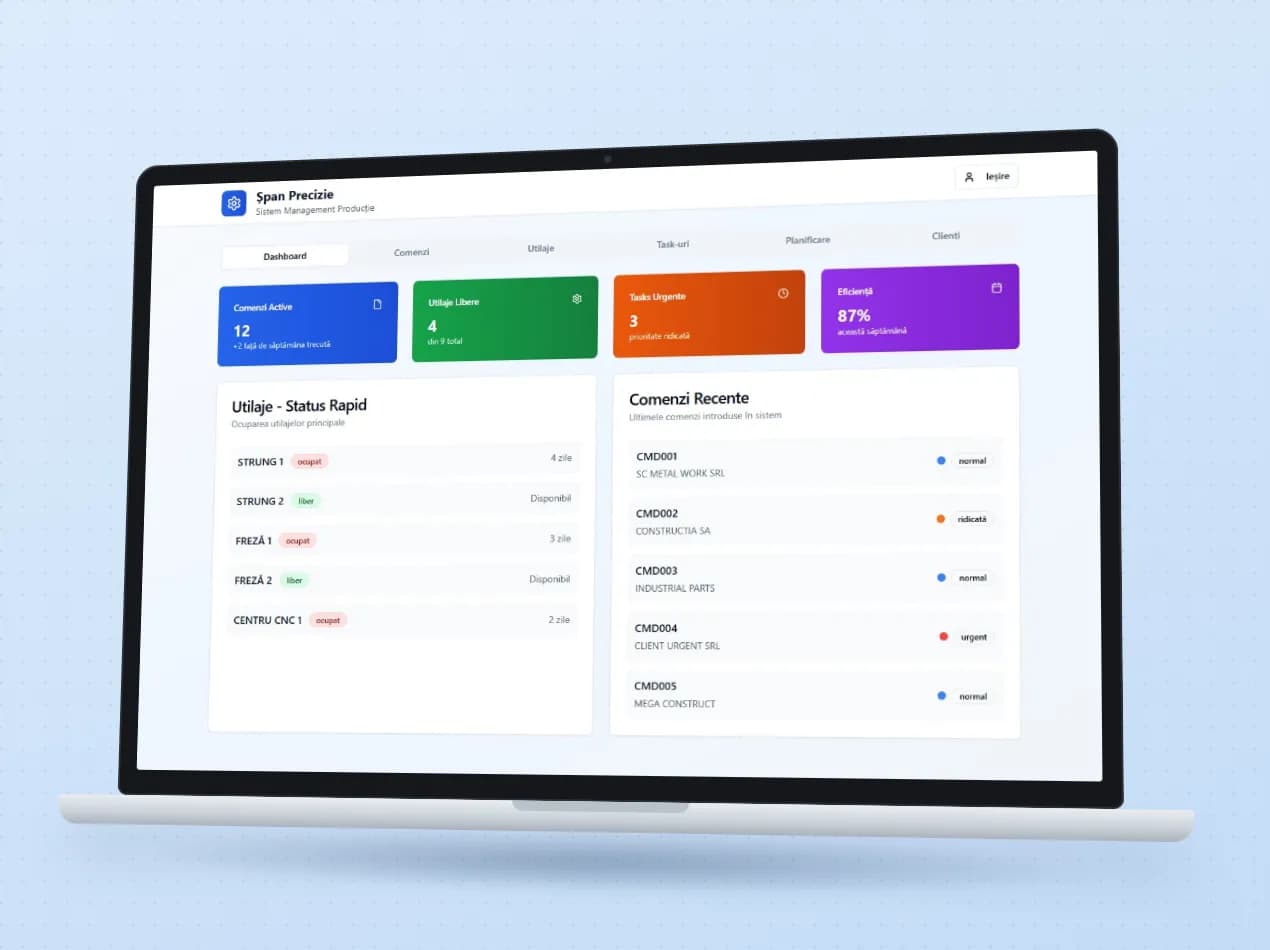
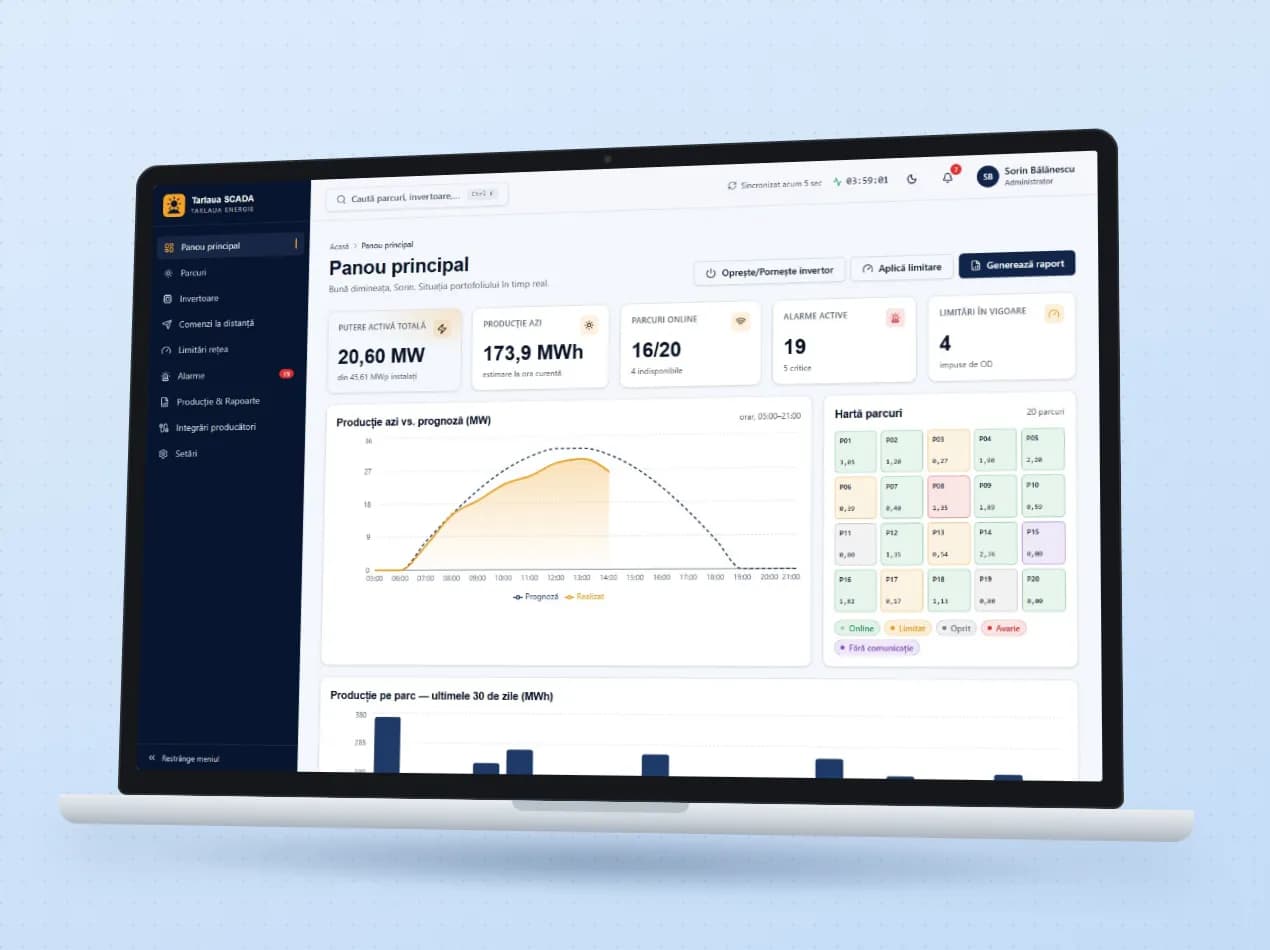
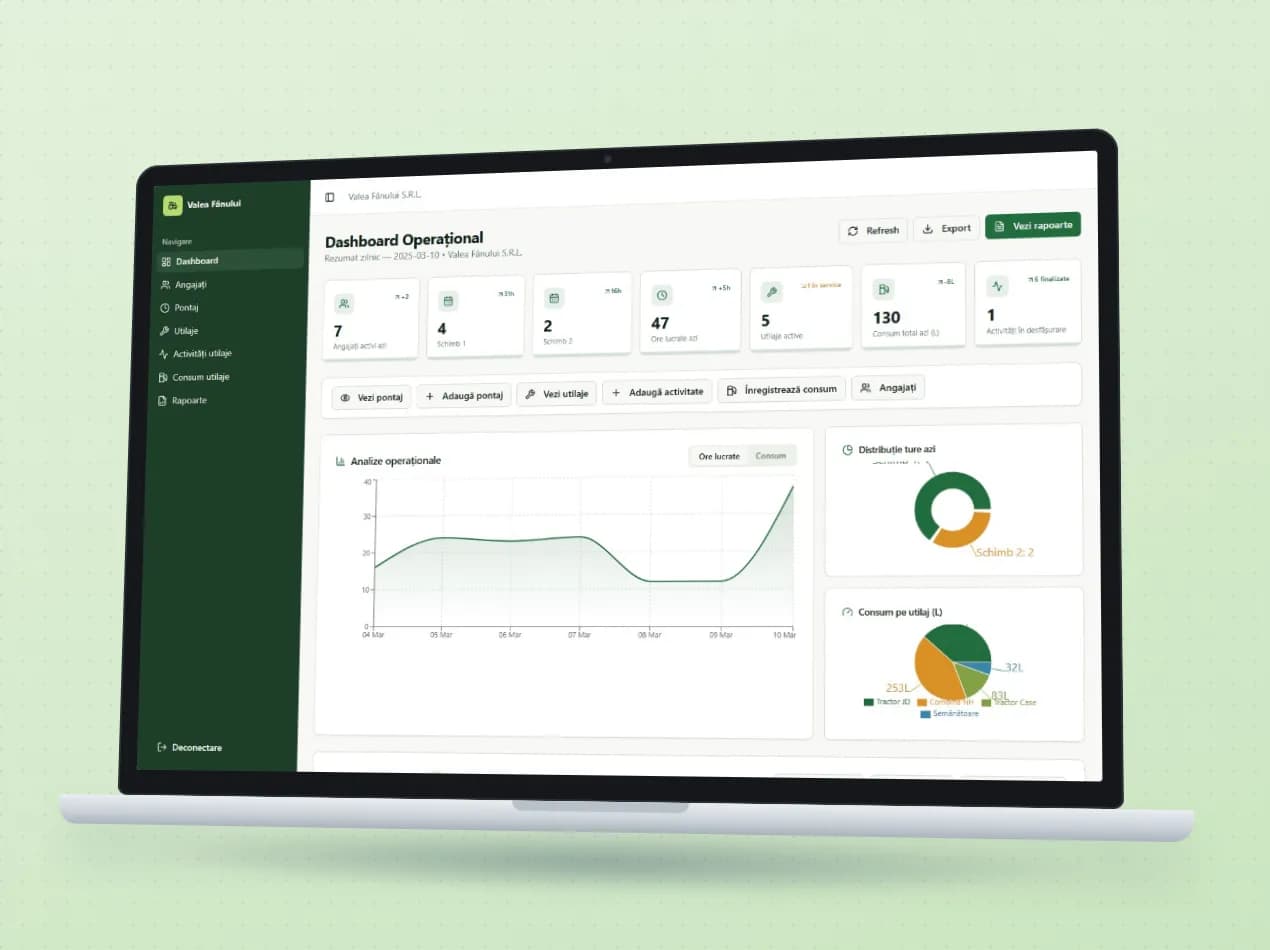
Demo apps where this module works on test data. Open them directly, no account needed.

Frequently asked questions

Can I keep track of the equipment we have sold to customers?

Yes. Each piece of equipment has its serial number, customer, warranty and services. On the customer you see everything they bought and what is coming up.

Does the system tell us when an ISCIR inspection or a calibration expires?

Yes. Deadlines appear in the calendar and notifications go out before they are due.

We already have our equipment list in Excel. Do we lose it?

No. The existing list is imported at the start, and new history is added from then on.

New request · returnVZV-NOU · 1/1
FROMYour company
TOVeziv IT Services

Tell us which process you want to put in order.

In a demo we show you the modules on an example close to your company and talk about what would need adapting.