

Tell us which process you want to put in order.
In a demo we show you the modules on an example close to your company and talk about what would need adapting.
- PHONE0752 558 435
- EMAILinfo@veziv.ro
You copy the contract from the last one you sent and change the name by hand, the quote goes out from Outlook, and a month later nobody can find what was sent and to whom. The Documents module puts templates, the archive and email in the same place as the customer and the project.
What goes into the module, what happens there and where the data goes next.
What comes in
What the module does
What goes out, and where
An example from a company that uses it.
A steel building manufacturer has the go-ahead for a 600 sq m hall. The sales rep picks the contract template, and the company name, value and instalments are filled in from the ERP.
The contract reaches the director with an approval task. He asks for a change to the payment term and sends it back for revision.
The final version goes out by email from the sales rep’s Gmail, straight from the ERP. The message stays on the customer record and on the project record.
The customer replies with two technical questions. The designer sees the conversation on the project record, without anyone forwarding it.
The legal adviser changes a clause in the Google Docs template. From tomorrow, every new contract goes out with the new wording.
Data moves between modules on its own, never typed in twice.
Kinds of companies where we put the module to work, fitted to their processes.
Demo apps where this module works on test data. Open them directly, no account needed.
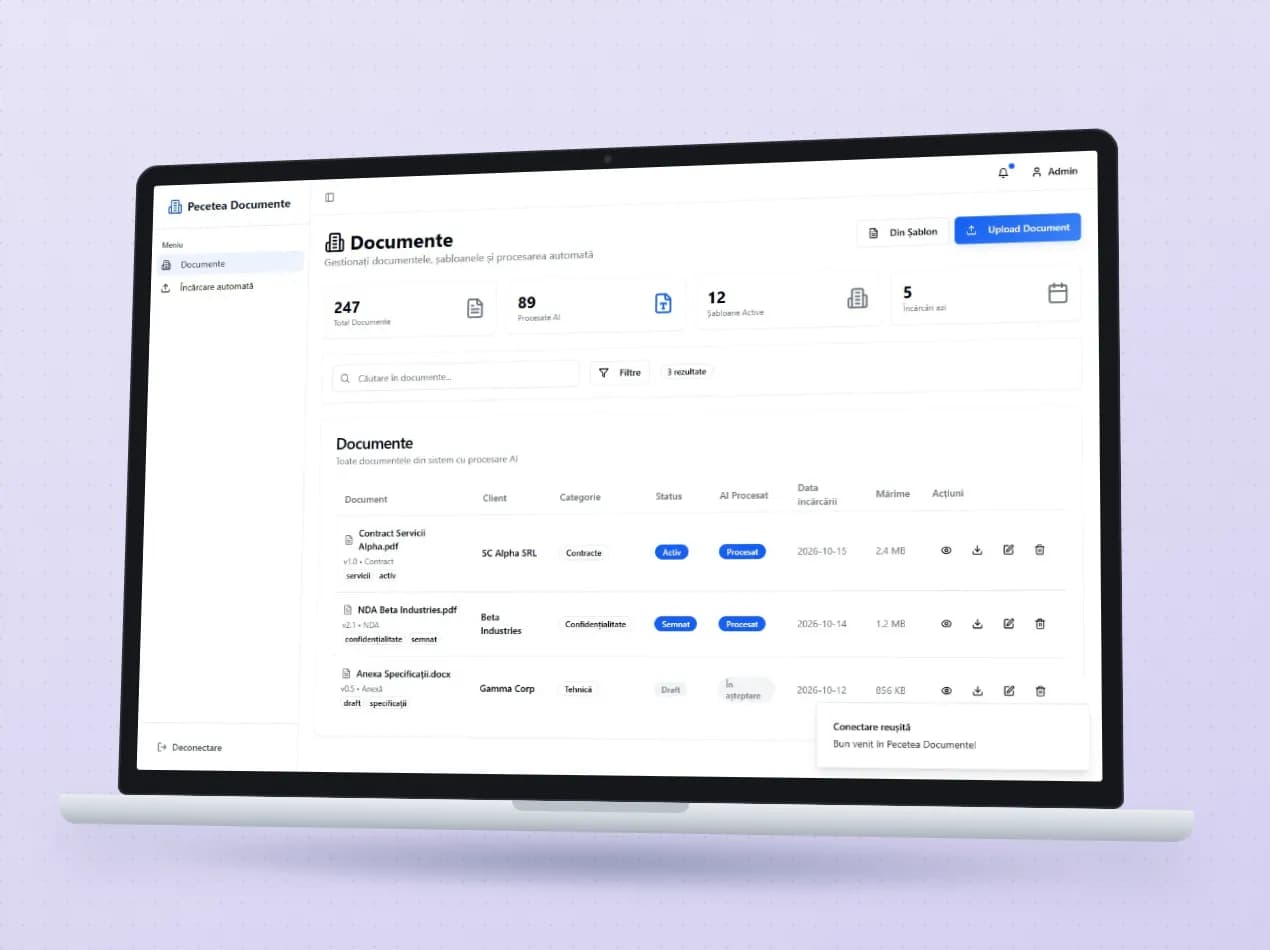
Client contracts, invoices and annexes sit in one list, with client, category, versions and the history of every change. Uploaded documents go through text recognition and are assigned to the right client automatically. On each document you can ask for a summary or ask questions about clauses and penalties.
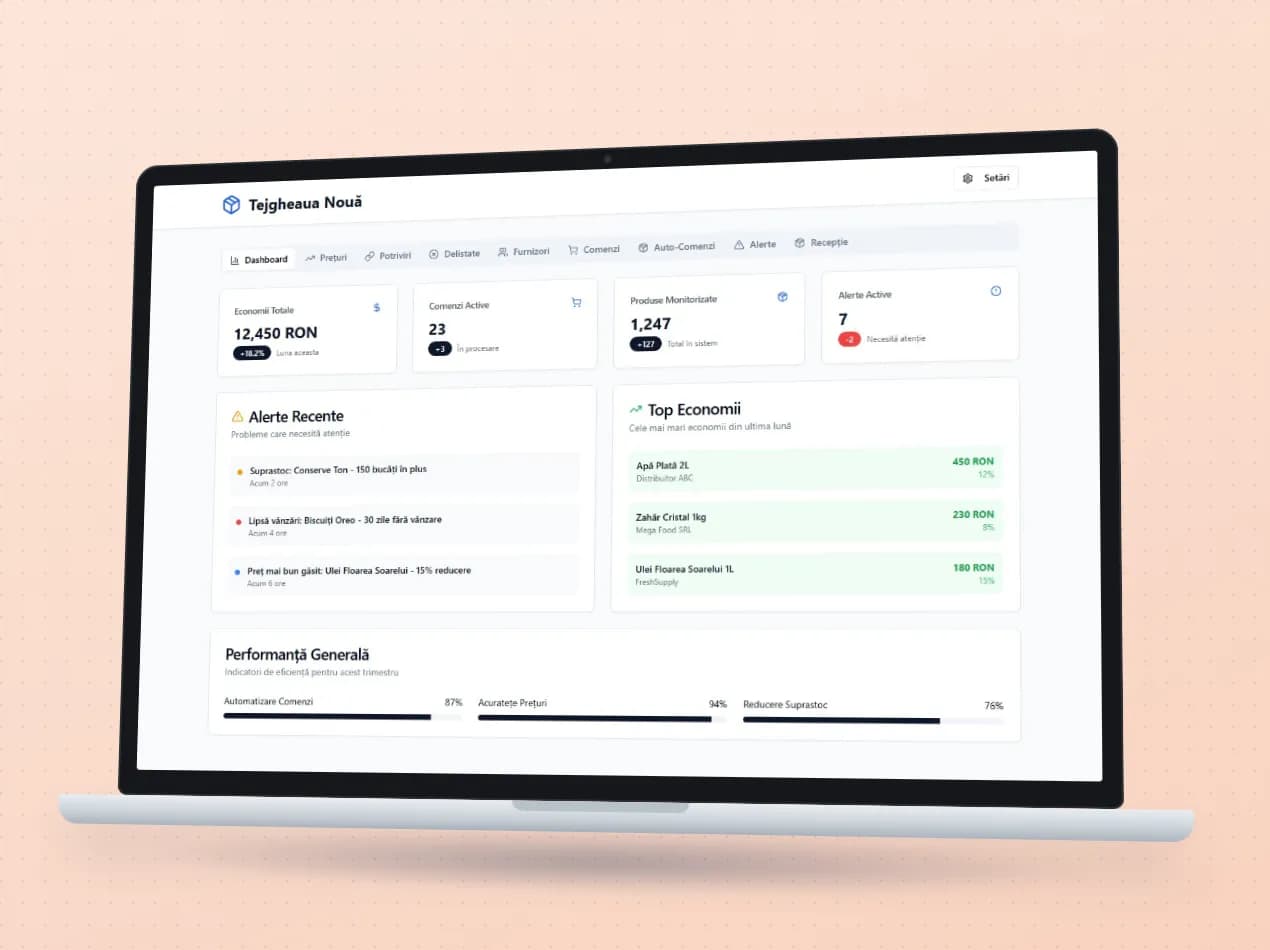
Open the demo Pecetea Documente (opens in a new tab)The program lines up the prices of the same product from several suppliers, even when each one names it differently in its price list, and puts the best offer in the cart. Stock alerts suggest automatic orders above the minimum threshold, goods received are checked against the order, and delisted products are tracked.
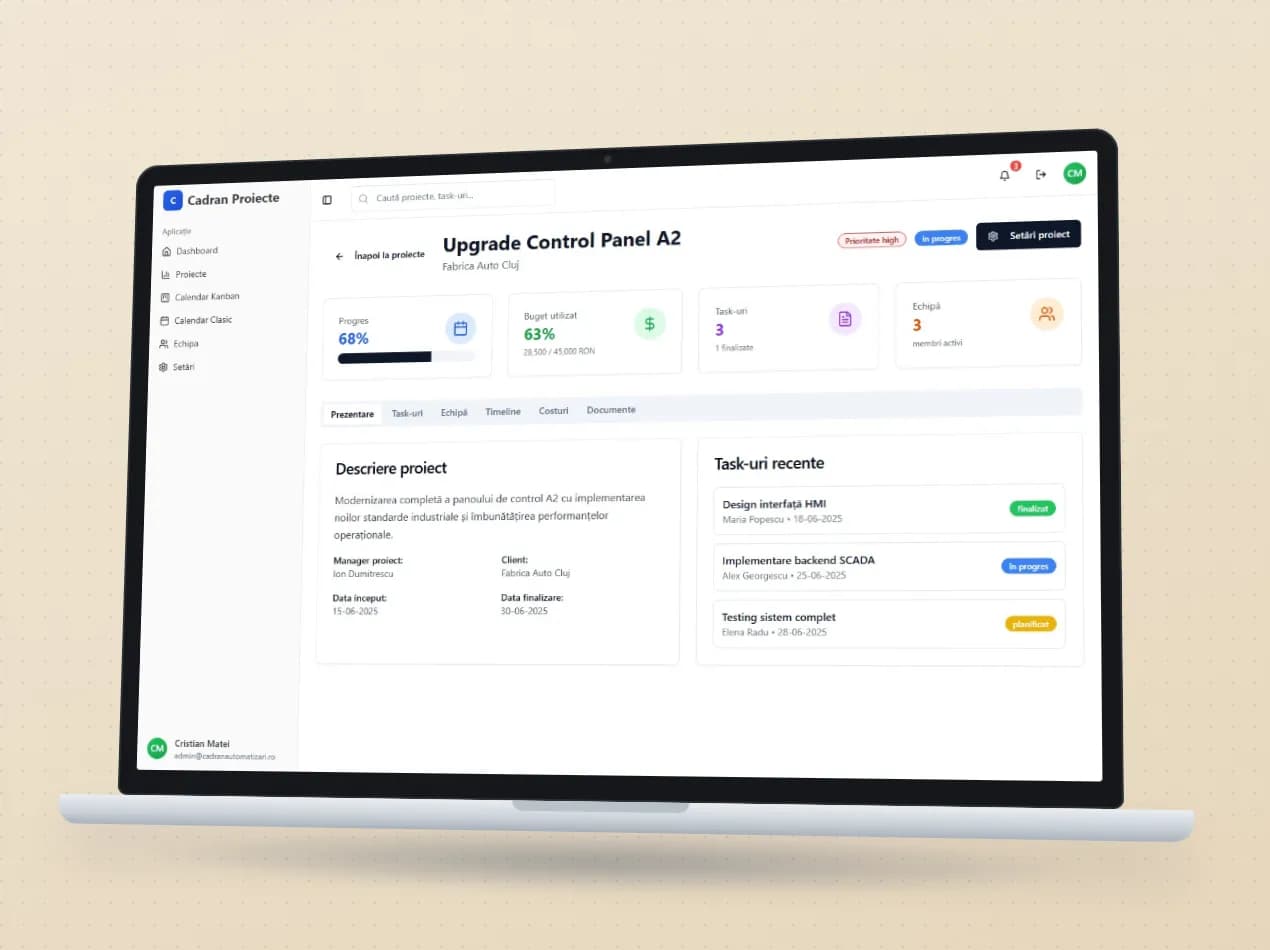
Every automation project (HMI panels, sensor lines, SCADA integrations) keeps its budget, team, deadlines, costs and documents in one place. Tasks move across the Kanban board, deadlines show up in the calendar, and technical specs and meeting minutes start from templates.
No. It works with Gmail, with Microsoft 365 / Outlook and with other mailboxes through IMAP.
Yes. We start from your documents and turn them into templates, with fields filled in from the ERP.
On the customer, supplier or project record in the ERP. Templates can live in Google Docs, in the company’s Drive.
In a demo we show you the modules on an example close to your company and talk about what would need adapting.