

Veziv ERP module · STC
FROMVeziv IT Services, Bucharest
TOYour company

Procurement and stock

The stock in the system doesn't match what is on the shelf, supplier orders are placed from memory, and the invoice that arrives through e-Factura gets compared with a paper receiving slip. The Procurement and stock module keeps goods by warehouse and location, suggests what to order and checks every receipt.

How it works

What goes into the module, what happens there and where the data goes next.

What comes in

  • Customer ordersSales
  • Materials requested by productionProduction
  • Products, suppliers and their pricesMaster data
  • The supplier's invoice through e-FacturaANAF
Procurement and stockSTC

What the module does

  1. 01Calculates what to buy from minimum stock, orders and production
  2. 02Proposes the order to the cheapest supplier
  3. 03Receives goods in steps and puts them on the shelf
  4. 04Keeps stock by warehouse, location and batch
  5. 05Prepares customer orders through warehouse picking

What goes out, and where

  • The purchase orderSupplier
  • NIRs (goods received notes) and stock valueFinance
  • Goods ready for deliveryLogistics
  • Materials reserved for work ordersProduction
  • An alert when an item drops below minimumyou

What you can do with it

Included functionsSTC · 10
  • Warehouses, zones and shelvesStock is kept by warehouse and by physical location: zone, shelf, bin. Defective goods are kept apart so they don't go out to a customer by mistake.
  • Barcode labelsYou print product labels on your own template, straight from the system.
  • Orders proposed every morningEvery morning the system prepares draft orders for whatever has dropped below minimum, with the supplier offering the lowest price. You check them and send them.
  • Minimum and maximum per itemYou set the thresholds for each product, and the system tells you how much to order to get back to the maximum.
  • Receiving in three stepsGoods are counted at the loading dock, the NIR is issued, then they go on the shelf. Discrepancies show up before anything enters stock.
  • Receipts matched with e-FacturaThe invoice downloaded from SPV is placed next to the receipt, line by line. Anything missing or extra stands out.
  • Picking on the phoneThe warehouse worker gets the pick list, ticks it off on the phone and reports shortages without changing the customer's order.
  • Stocktaking in sessionsYou count by zone, and the system puts the quantity found next to the book quantity and calculates the difference in lei.
  • FIFO cost by batchEvery receipt keeps its own price. Issues are taken out in the order goods came in, so you know the real cost of goods sold.
  • Returnable packaging and SGRYou see how many pallets and what packaging you have to return to each supplier, and by when. The SGR (deposit-return scheme) deposit is tracked separately.

A day with the module

An example from a company that uses it.

  1. 06:30 · The orders prepared themselves

    Fourteen items have dropped below minimum. Three draft orders are waiting in the list, one per supplier, with the quantities calculated.

  2. 08:30 · The truck at the dock

    The warehouse worker counts 22 pallets at the dock. Two packs of 20 mm pipe are missing, and the difference shows up before the NIR.

  3. 10:00 · The NIR and the invoice

    The supplier's invoice has already arrived through e-Factura. It matches the receipt on every line except the two missing packs.

  4. 11:30 · Goods on the shelf

    Each pallet gets a location and a barcode label. From now on, anyone can find it by searching for the product.

  5. 14:00 · Picking for tomorrow

    Three pick lists start for tomorrow's deliveries. A picker reports that shelf B4 is 3 boxes short.

  6. 17:00 · Pallets to return

    You see that you have 6 pallets to return to a supplier by Friday. You put them on the truck heading their way on Thursday.

See the module in an app

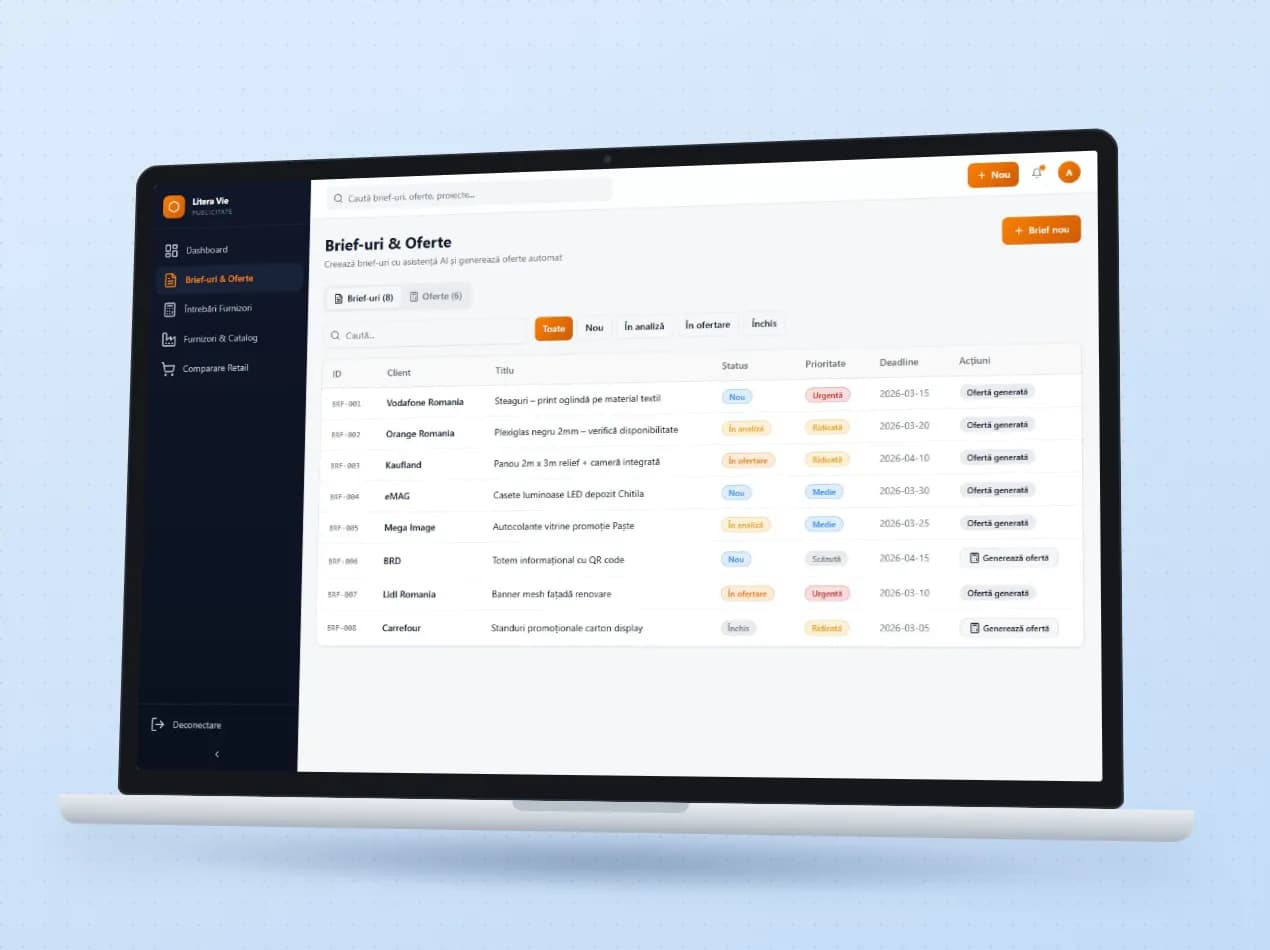
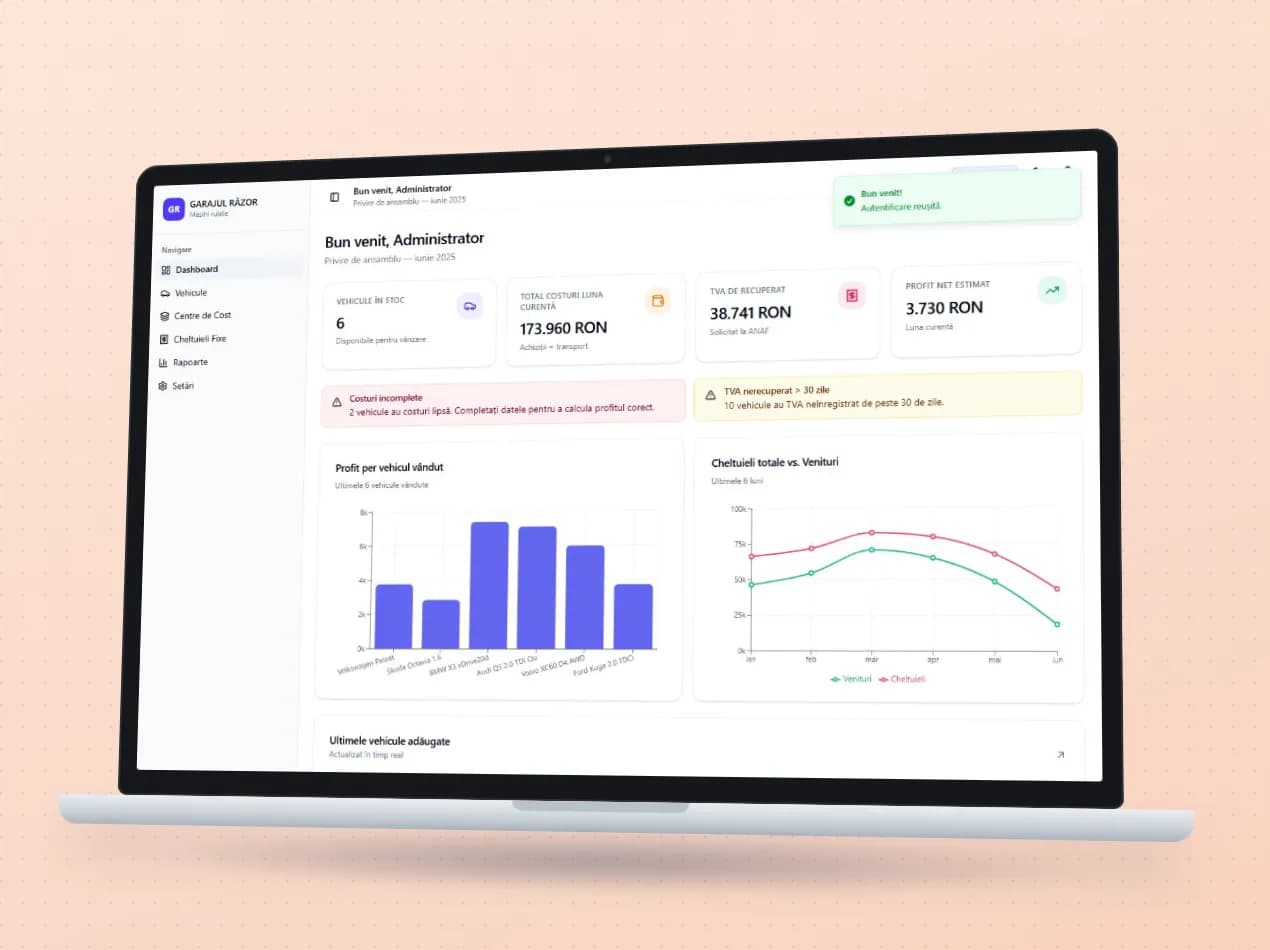
Demo apps where this module works on test data. Open them directly, no account needed.

Frequently asked questions

Is it linked to our accounting software?

Yes. NIRs, transfers and consumption notes go to your accounting software. We have ready-made connections with SAGA, NextUp and Nexus.

Can warehouse staff work on their phones?

Yes. Order picking and warehouse work have screens made for phones, used right there between the shelves.

We have several warehouses and shops. Does it work?

Yes. Each warehouse has its own locations, and transfers happen in two steps: dispatch and arrival. You can always see what is in transit between them.

New request · returnVZV-NOU · 1/1
FROMYour company
TOVeziv IT Services

Tell us which process you want to put in order.

In a demo we show you the modules on an example close to your company and talk about what would need adapting.