

Veziv ERP module · KPI
FROMVeziv IT Services, Bucharest
TOYour company

Reports and KPIs

Your numbers live in five places: sales in one program, stock in another Excel file, the bank in the bank’s app. To find out how much you made on a customer, you ask for a report and wait two days. The Reports module pulls data from every module and shows you what matters for your role.

How it works

What goes into the module, what happens there and where the data goes next.

What comes in

  • Sales, quotes and sales repsSales
  • Invoices, payments and cost centresFinance
  • What was produced and what was usedProduction
  • Stock and its movementsStock
  • Hours workedHR
Reports and KPIsKPI

What the module does

  1. 01Collects data from every module, without manual exports
  2. 02Shows each role its own screen: owner, sales rep, warehouse manager
  3. 03Calculates profit per customer, sales rep, product, project and cost centre
  4. 04Prepares the daily report and sends it on its own
  5. 05Exports any report to Excel or PDF

What goes out, and where

  • The day’s report, ready in the morningyou
  • Each sales rep’s sales and profitSales reps
  • Exports for the accountantAccountant
  • Fleet report sent by emailCustomer

What you can do with it

Included functionsKPI · 10
  • The morning screenSales for the last 30 days, orders in progress, unpaid invoices and what’s coming up in the calendar, on one screen.
  • A screen per roleThe owner sees the money, the sales rep sees their customers and sales, the warehouse manager sees the stock.
  • Profit per sales repEach rep sees their own sales and the profit they brought in. You see all of them, side by side.
  • Profit per project and cost centreWhat each project, department or activity brought in and what it cost, from real orders and expenses.
  • Automatic daily reportThe day’s report is generated on its own and reaches the right people, without anyone asking for it.
  • Cash flow and budgetManagement sees money coming in and going out and the income and expense budget, per company or for the whole group.
  • Locations and branches comparedYou put branches or sites side by side, on the same figures.
  • Shop floor reportsMaterial usage, team productivity, non-conformities and maintenance, in ready-made reports.
  • Exports that don’t changeAny report goes out as Excel or PDF. Important exports are kept exactly as they were on the day they were run.
  • Pivot tableFor a new question, you turn the data around in a pivot table, right in the app.

A day with the module

An example from a company that uses it.

  1. 07:30 · The report is in

    The owner of a cosmetics distributor with 6 field sales reps has yesterday’s report: sales, deliveries made, invoices paid.

  2. 09:00 · Meeting with the sales reps

    On screen are each rep’s sales and profit for this month. One sells a lot, but at a thin margin.

  3. 12:00 · A customer asks for a discount

    Before you answer, you check the profit on that customer over the last six months.

  4. 15:00 · Stock by division

    The warehouse manager checks stock by division and sends the list in Excel to purchasing.

  5. 18:00 · The week’s money

    Before leaving, the owner sees money in and money out and where the budget was overspent.

See the module in an app

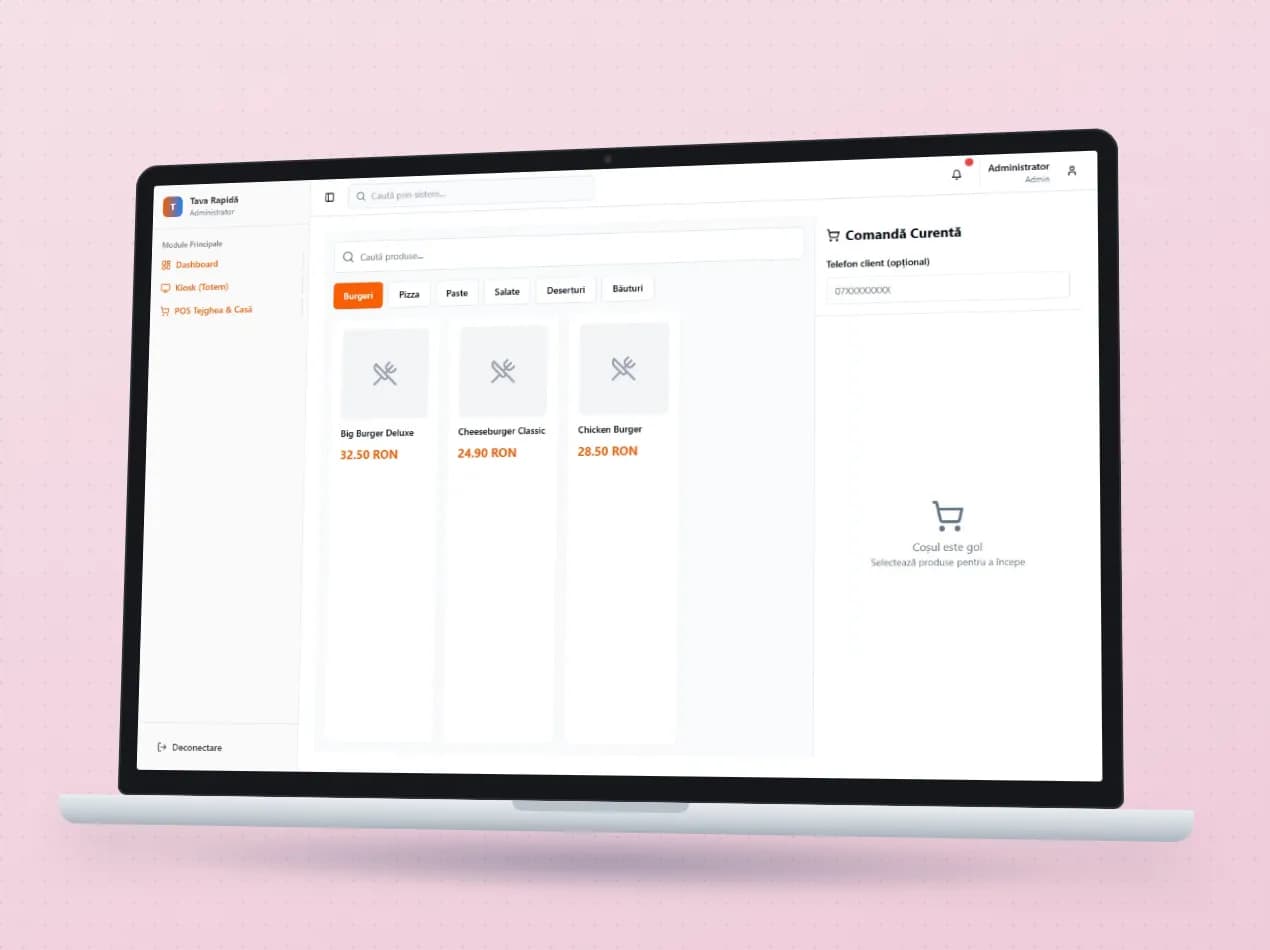
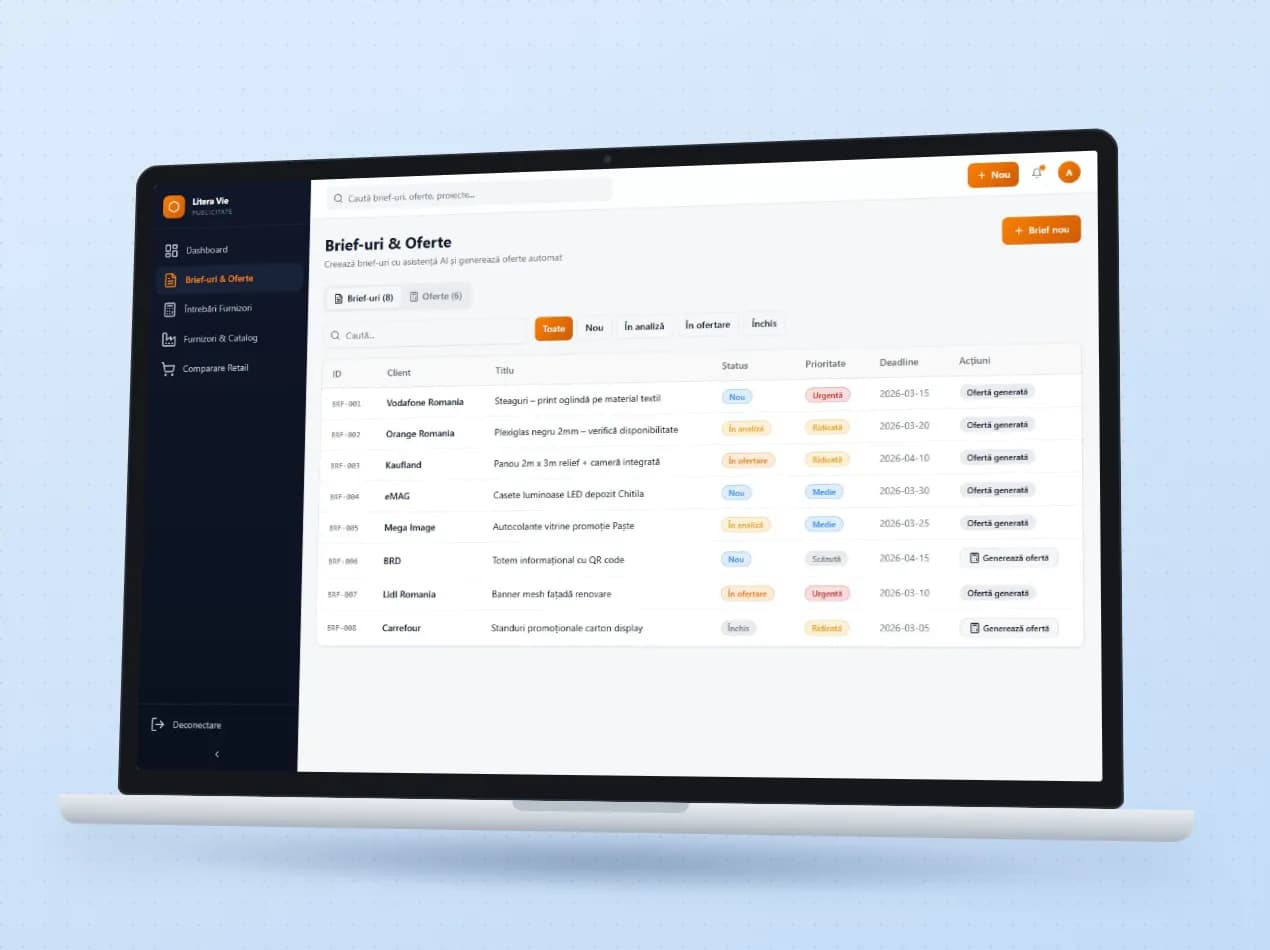
Demo apps where this module works on test data. Open them directly, no account needed.

Frequently asked questions

Can I see the reports on my phone?

Yes. The app runs in the phone’s browser, and the report screens work on a small screen too.

What if we want a report that doesn’t exist?

We build it on the data already in the system. Until then, you can export the data to Excel or turn it around in a pivot table.

Are the report figures the same as the accountant’s?

The reports start from the same invoices and documents that go to the accounting software.

New request · returnVZV-NOU · 1/1
FROMYour company
TOVeziv IT Services

Tell us which process you want to put in order.

In a demo we show you the modules on an example close to your company and talk about what would need adapting.