

Veziv ERP module · BNKNew module
FROMVeziv IT Services, Bucharest
TOYour company

Payments, banking and receivables

Every morning someone downloads the bank statement, hunts for the payments and ticks them off against invoices, one by one. Meanwhile a sales rep ships more goods to a customer who hasn’t paid in two months. The Payments module brings in the statements, matches them to invoices and shows you who owes you money and for how long.

How it works

What goes into the module, what happens there and where the data goes next.

What comes in

  • Bank statements, automatically or as a fileBank
  • Issued invoices and their due datesFinance
  • Cash collected by drivers on deliveryLogistics
  • The customer’s credit limitCRM
Payments, banking and receivablesBNK

What the module does

  1. 01Pulls bank transactions every 5 minutes
  2. 02Matches payments to open invoices
  3. 03Tracks receivables per customer, with partial payments, offsets and disputes
  4. 04Sends payment reminders and due-date alerts

What goes out, and where

  • Payments recorded against invoicesFinance
  • Orders on hold for customers over their limitSales
  • Payment reminderCustomer
  • Today’s list of overdue invoicesyou

What you can do with it

Included functionsBNK · 10
  • Statements pulled automaticallyThrough the FINT bank aggregator, transactions reach the ERP every 5 minutes. Where the bank isn’t connected, you import the statement as an MT940 or CSV file.
  • Payments that match themselvesA payment is linked to an invoice by the payer’s IBAN, by the invoice number in the payment details or by the amount. If nothing matches, it goes to the oldest unpaid invoice.
  • One payment, several invoicesWhen a customer pays several invoices at once, the amount is split across them, in order.
  • Customer bank account saved for youThe first time a customer pays, their bank account is added to their record.
  • Receivables per customerFor each customer you see unpaid invoices, partial payments, offsets and notes, in the order they happened.
  • DisputesWhen a customer contests an invoice, you mark it as disputed, with the documents attached, so you know not to chase them for it.
  • Credit controlEvery customer has a credit limit. Go over it and new orders stop until they pay or you grant a temporary release.
  • Cash collected on deliveryDrivers hand the cash they collected to the cashier, and every handover is recorded. For each driver you see what they delivered and what they collected.
  • Payment remindersThe customer gets a reminder by text message, and you get alerts for invoices coming due and for overdue ones.
  • Supplier invoices read with AIIncoming invoices are read automatically and come with suggestions for matching them to the right payment or payable.

A day with the module

An example from a company that uses it.

  1. 07:30 · Today’s overdue list

    A building materials distributor in Iași gets the list: 37 overdue invoices across 21 customers. Two customers are over their credit limit.

  2. 09:00 · The statement, already matched

    Of yesterday’s 64 payments, 58 are already linked to invoices. The accountant only looks at the remaining 6.

  3. 11:00 · A contested invoice

    A contractor says 20 bags of tile adhesive arrived split. The invoice goes into dispute, with the delivery photo attached.

  4. 16:00 · Drivers hand in the cash

    Two drivers are back with cash from customers. The handovers are booked at the cash desk, and the amounts show up on the paid invoices.

  5. 18:00 · Reminders go out

    Customers with overdue invoices get a payment reminder, and sales reps see which orders are on hold until payment.

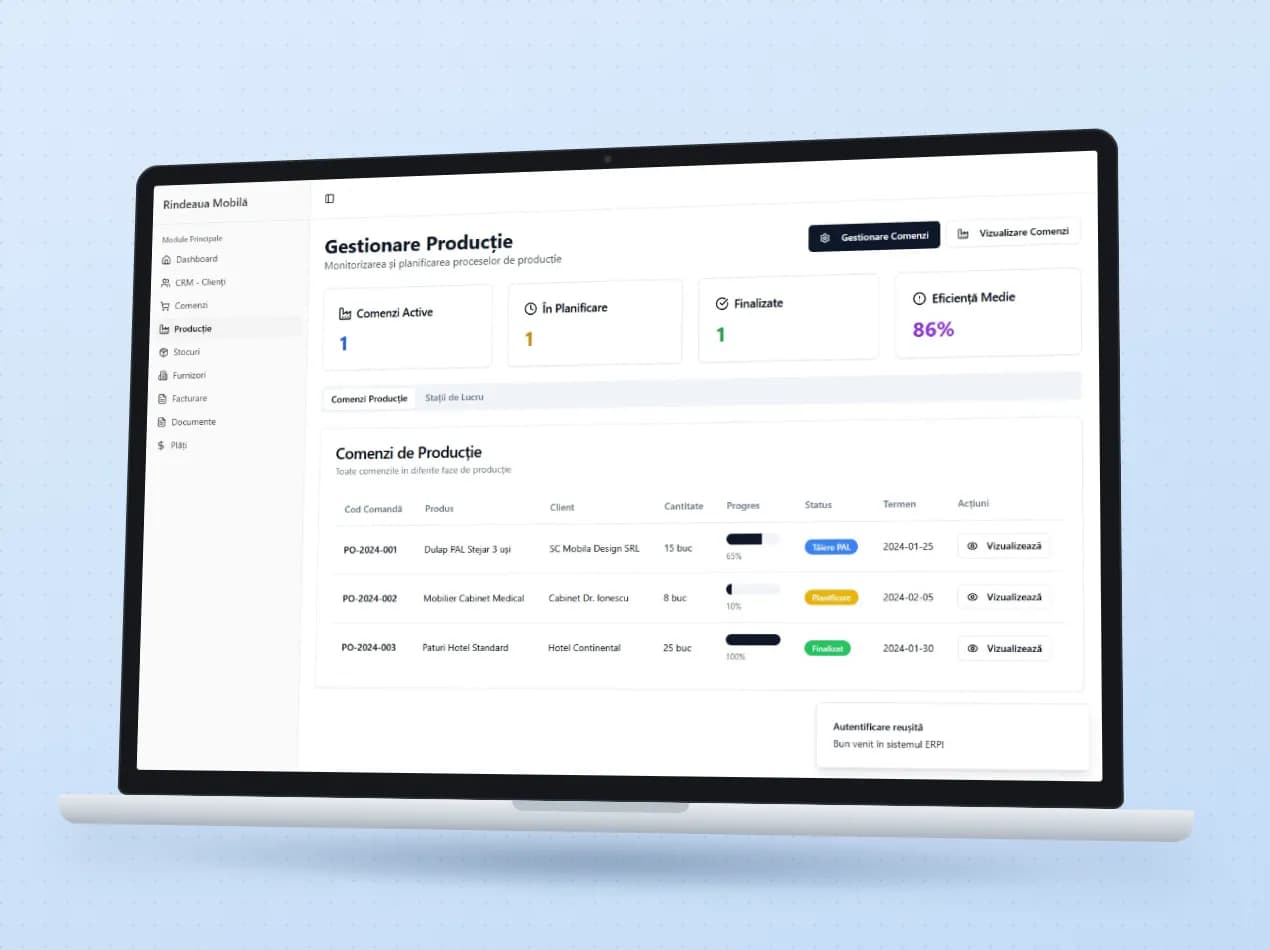
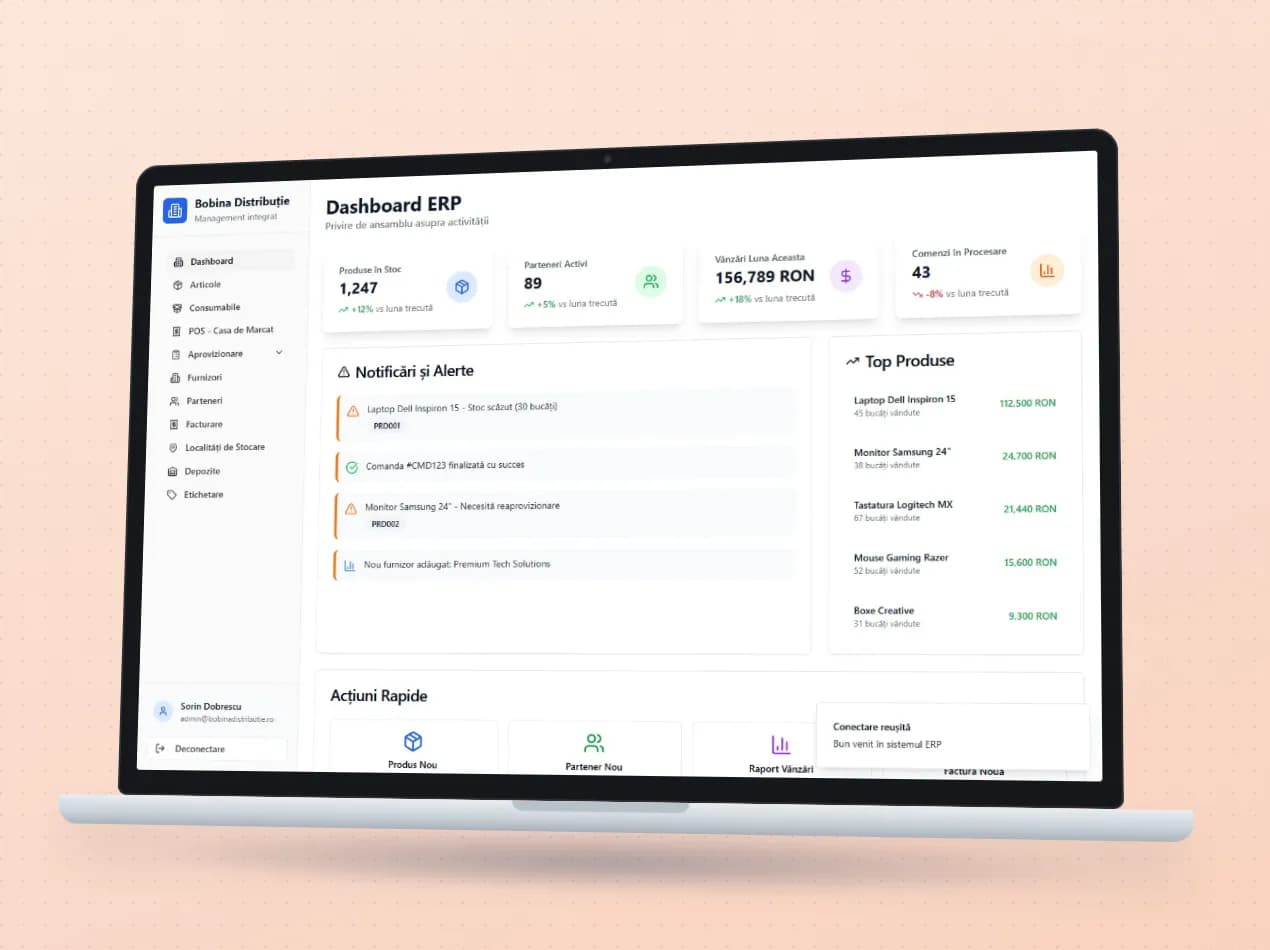
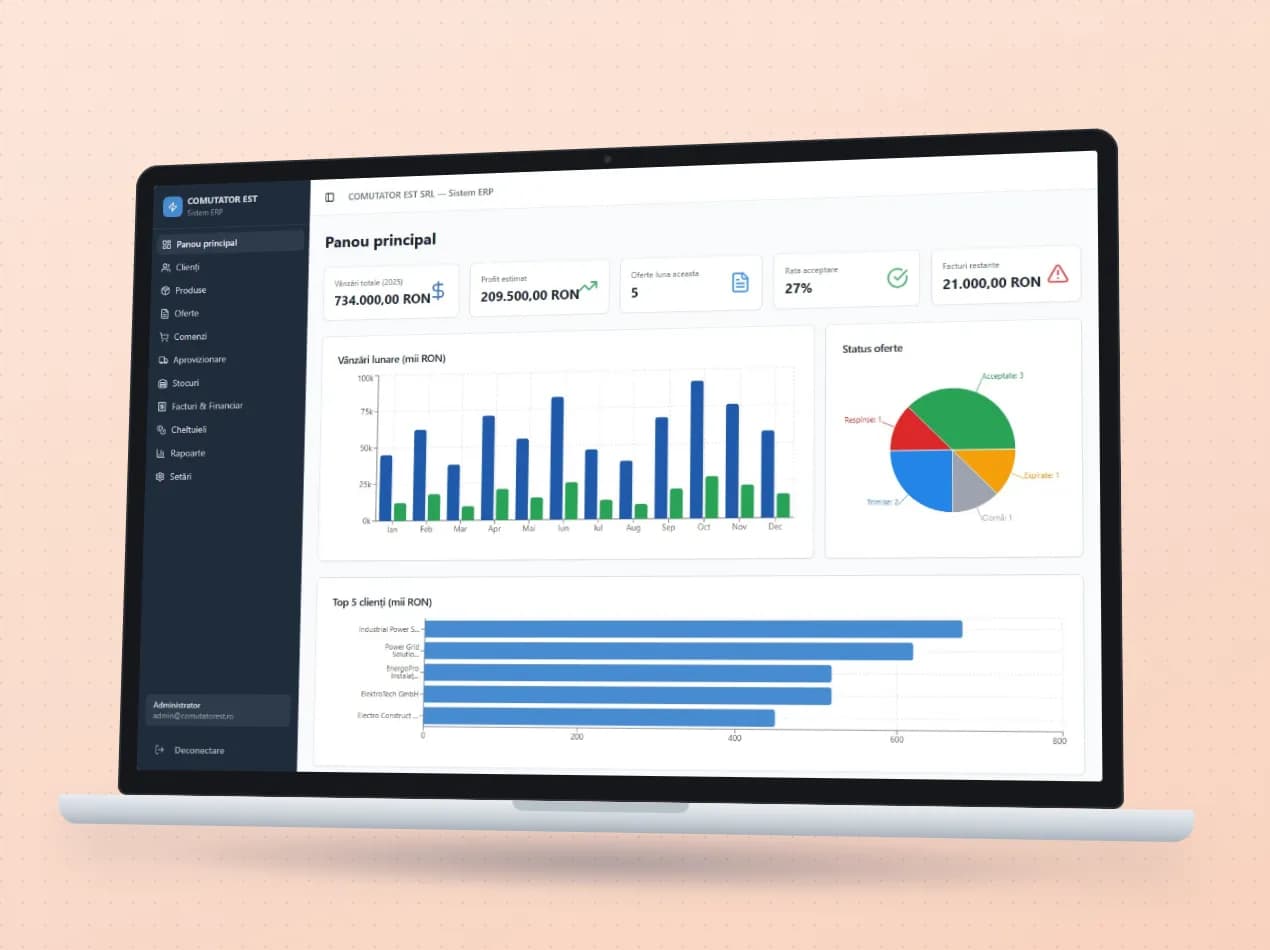
See the module in an app

Demo apps where this module works on test data. Open them directly, no account needed.

Frequently asked questions

Which banks does it work with?

Statements arrive automatically through the FINT bank aggregator, for the banks it connects to. For the others, you import the MT940 or CSV file exported from online banking.

Do the payments reach accounting?

Yes. Payments go into the Finance module and from there into your accounting software, SAGA or NextUp, as the case may be.

Can we stop deliveries to customers who don’t pay?

Yes. With a credit limit per customer, new orders are blocked once it is exceeded. If you want to let one through, the temporary release expires on its own.

New request · returnVZV-NOU · 1/1
FROMYour company
TOVeziv IT Services

Tell us which process you want to put in order.

In a demo we show you the modules on an example close to your company and talk about what would need adapting.