

Tell us which process you want to put in order.
In a demo we show you the modules on an example close to your company and talk about what would need adapting.
- PHONE0752 558 435
- EMAILinfo@veziv.ro
Someone in the office spends the morning copying orders from one program into another, looking up company details by CUI (tax ID) and emailing the same report. The RPA automation module takes over these tasks and runs them on its own, at the set time, with a log for every run.
What goes into the module, what happens there and where the data goes next.
What comes in
What the module does
What goes out, and where
An example from a company that uses it.
At a home and garden products distributor, the software has checked stock and prepared two draft orders to suppliers. The administrator finds them in the notifications.
The accountant already has the list of overdue invoices and those due today.
The stock manager uploads 15 invoices received by email into “RPA Documents”. The software reads them and suggests, for each, the payment or payable it belongs to.
A sales rep has 200 CUIs collected at a trade fair. He puts them in an Excel file and gets back each company’s name and phone number.
Online store orders have been coming in on their own all day. The new addresses are already on the map for tomorrow’s route.
Data moves between modules on its own, never typed in twice.
Kinds of companies where we put the module to work, fitted to their processes.
Demo apps where this module works on test data. Open them directly, no account needed.
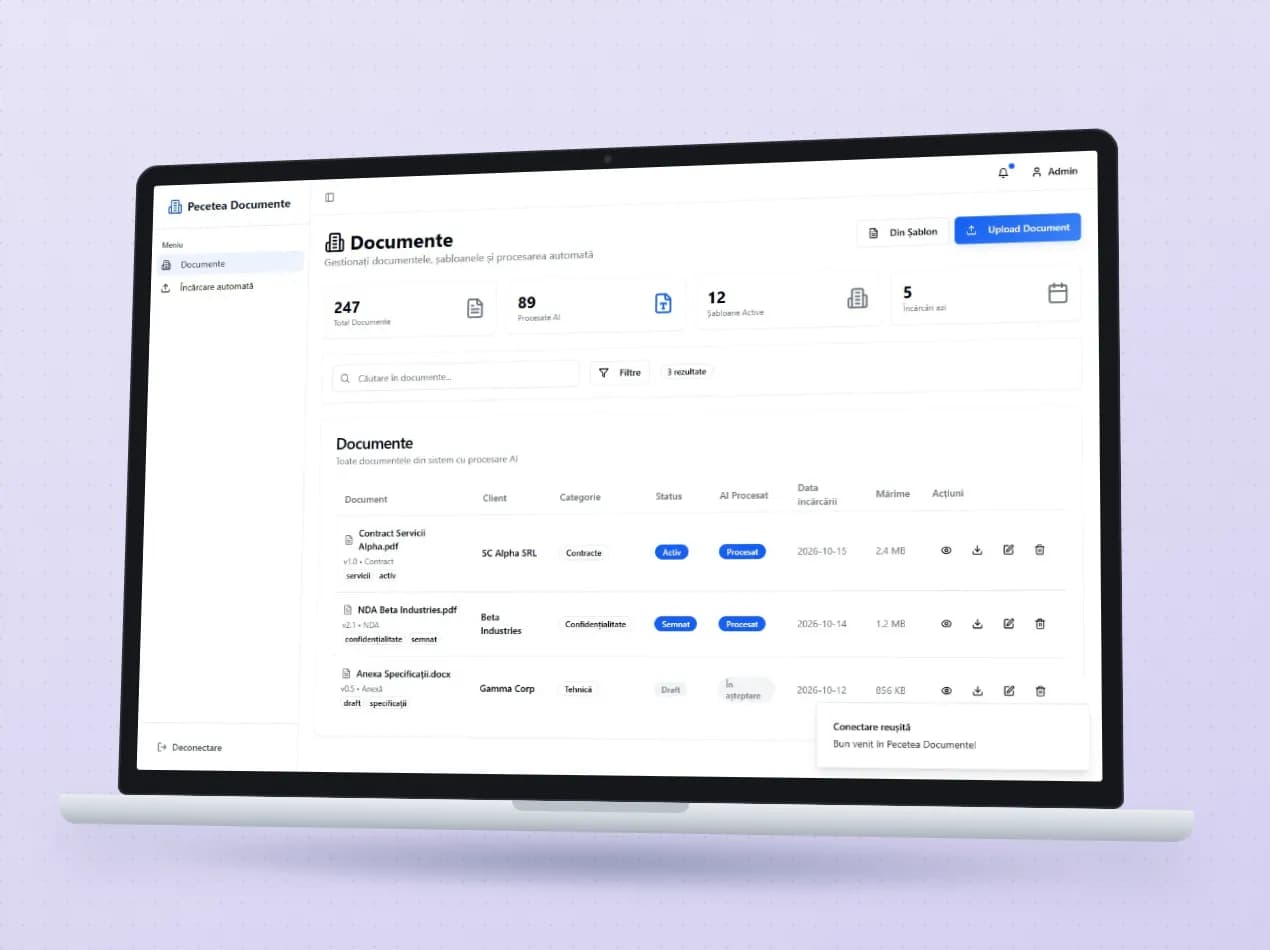
Client contracts, invoices and annexes sit in one list, with client, category, versions and the history of every change. Uploaded documents go through text recognition and are assigned to the right client automatically. On each document you can ask for a summary or ask questions about clauses and penalties.
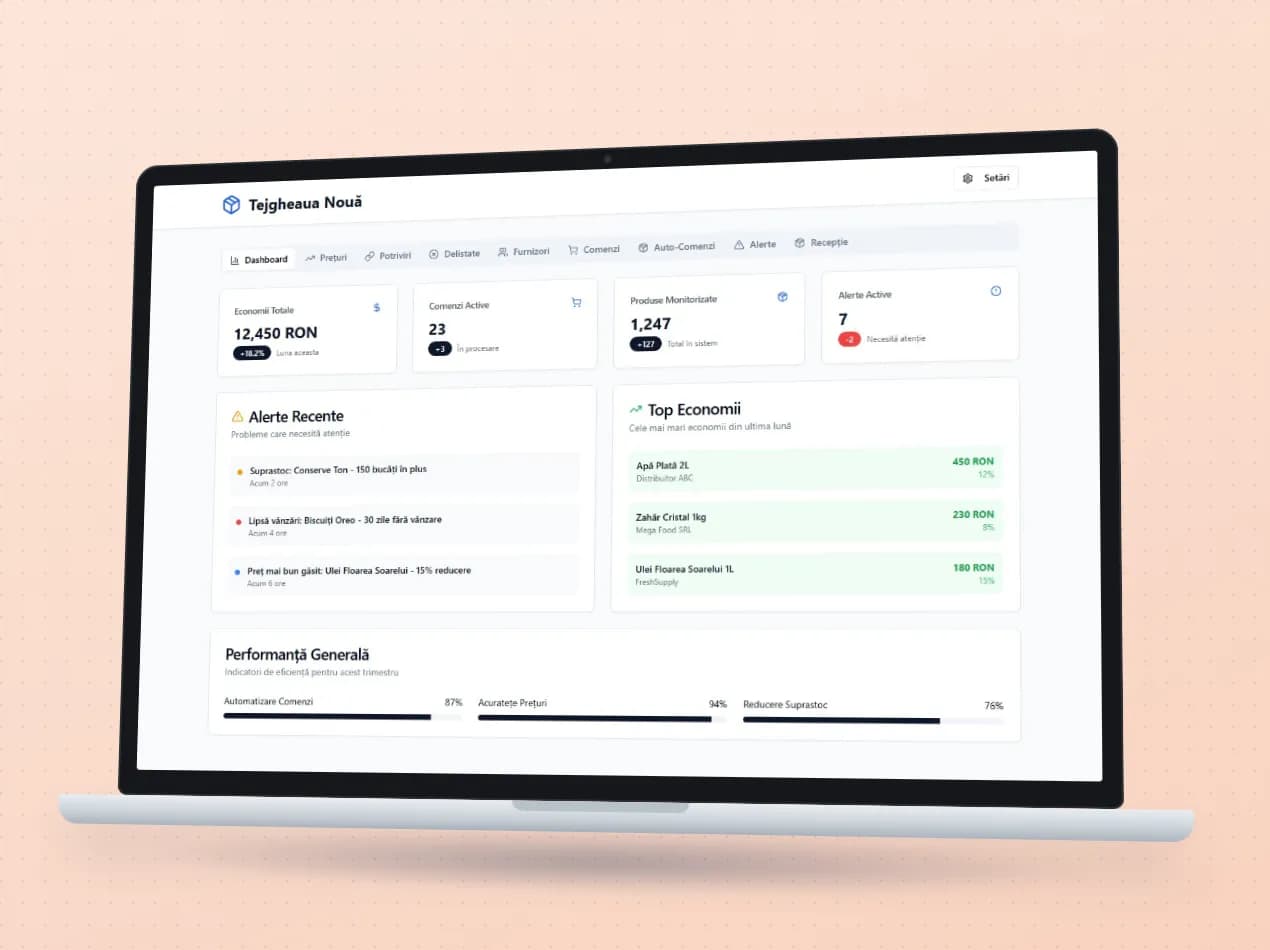
Open the demo Pecetea Documente (opens in a new tab)The program lines up the prices of the same product from several suppliers, even when each one names it differently in its price list, and puts the best offer in the cart. Stock alerts suggest automatic orders above the minimum threshold, goods received are checked against the order, and delisted products are tracked.
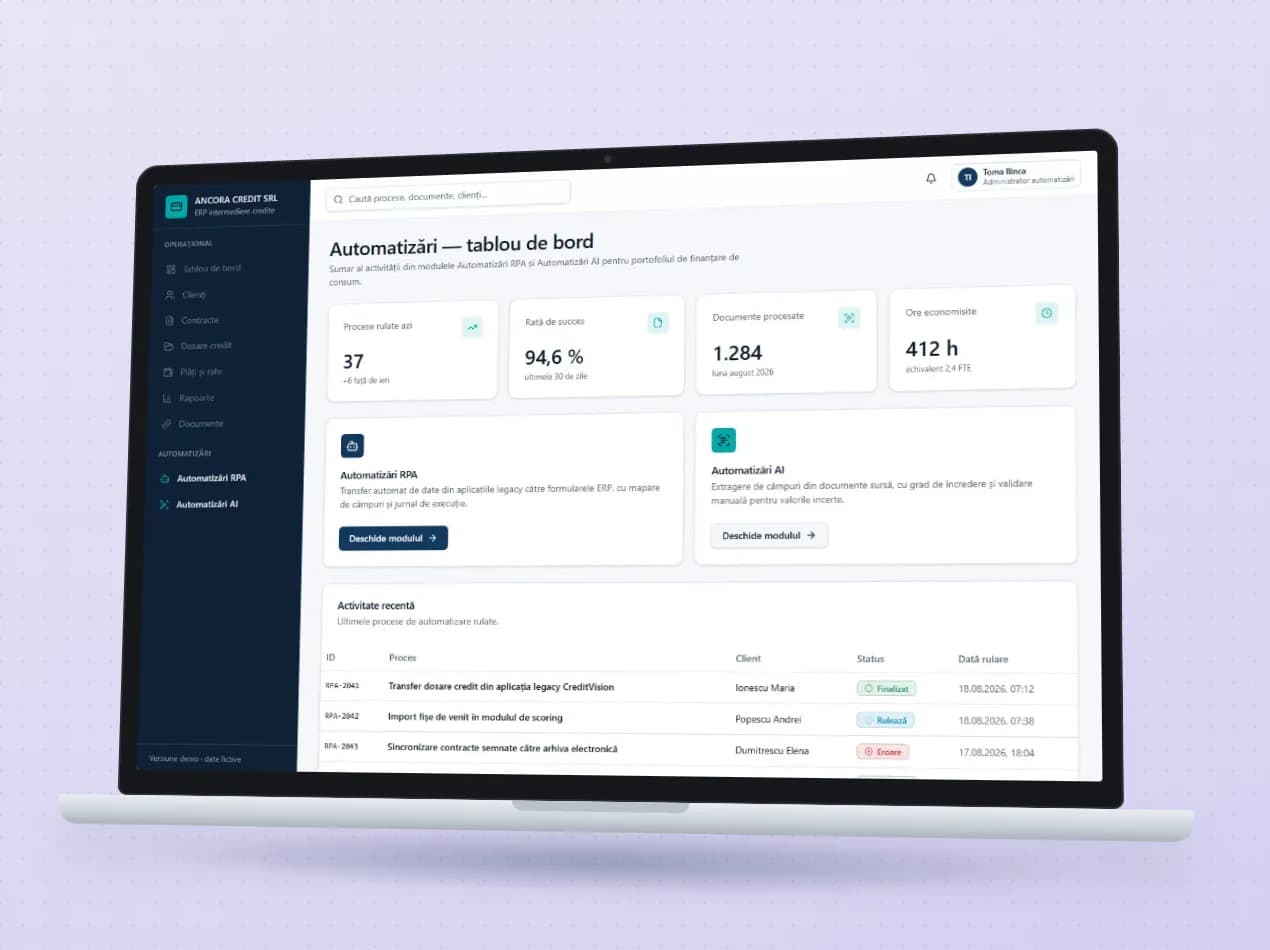
Robots move credit files from the old applications into the ERP, field by field, and show what was transferred and where they stopped. Uploaded documents, applications, income certificates and contracts, are read automatically, and fields with low confidence go to an operator who validates them before the form is filled in.
An integration connects two programs that can talk to each other. RPA does a task a person would otherwise do: reads an Excel file, looks up data, fills in a document.
Yes. We start from the tasks that take up most of your time and automate only what makes sense for you.
Documents that have been read wait for a person to check them before saving. CUIs or documents that can’t be processed are flagged, not silently skipped.
In a demo we show you the modules on an example close to your company and talk about what would need adapting.