

Veziv ERP module · LOGNew module
FROMVeziv IT Services, Bucharest
TOYour company

Logistics and deliveries

In the morning, the dispatcher draws up routes on a sheet of paper, the driver calls from the road to ask for the address, and in the evening nobody knows exactly how much cash he should hand in. The Logistics module puts deliveries, vehicles, drivers and cash collections in one place.

How it works

What goes into the module, what happens there and where the data goes next.

What comes in

  • Orders to deliverSales
  • Goods prepared in the warehouseStock
  • Available vehicles and driversFleet
  • The customer's address and notesCRM
Logistics and deliveriesLOG

What the module does

  1. 01Groups deliveries by zone and by vehicle
  2. 02Puts the addresses on a map and proposes the order of stops
  3. 03Issues the delivery note or the courier AWB (waybill)
  4. 04Tracks what was delivered and what was collected

What goes out, and where

  • The AWB and the parcel statusCustomer
  • Confirmed delivery, ready to invoiceFinance
  • Cash collected by the driverPayments
  • The daily report for each driveryou

What you can do with it

Included functionsLOG · 10
  • Delivery zonesCustomers are grouped by zone, and the day's deliveries are split between drivers and vehicles.
  • Suggested order of stopsAddresses turn into points on the map on their own. The system proposes the order, starting from the nearest address.
  • Loading summaryThe warehouse worker sees what goes onto each vehicle and checks the load against the customer's notes, for example “unloading by crane only”.
  • Driver portalThe driver has the day's deliveries and the map on their phone. They tick off what they handed over, without calling the office.
  • Stock on the vehicleFor each driver you see what they loaded in the morning, what they delivered and what is coming back.
  • Cash on deliveryWhatever the driver collects is handed in at the cash desk against a document and linked to their deliveries.
  • Courier AWBsFor parcels sent by courier you generate the AWB with FAN Courier, Sameday or DPD, including return AWBs.
  • Delivery notesThe delivery note is created from the order and goes to the customer by e-mail, along with the goods.
  • Oversize transportFor large loads you keep a record of the transport permits, linked to the delivery in question.
  • Delivery monitorThroughout the day you see what has been delivered, what is on the road and what is left.

A day with the module

An example from a company that uses it.

  1. 07:00 · The day's routes

    A building materials distributor has 34 deliveries and 3 trucks. Deliveries are split by zone, and each truck gets a suggested order of stops.

  2. 07:45 · Loading

    The warehouse worker follows the loading summary. One customer's note says “rear access only”, and the note reaches the driver too.

  3. 10:15 · On the road

    The driver sees the next address on the map on their phone and ticks off the delivery. The dispatcher sees the tick back at the office.

  4. 12:00 · The small parcels

    Eight small orders go by courier. The AWBs are generated from the orders, and each parcel's status is visible on the order.

  5. 17:30 · Cash at the cash desk

    The driver hands in 6,400 lei collected on delivery. The amount is linked to that day's deliveries, on a document.

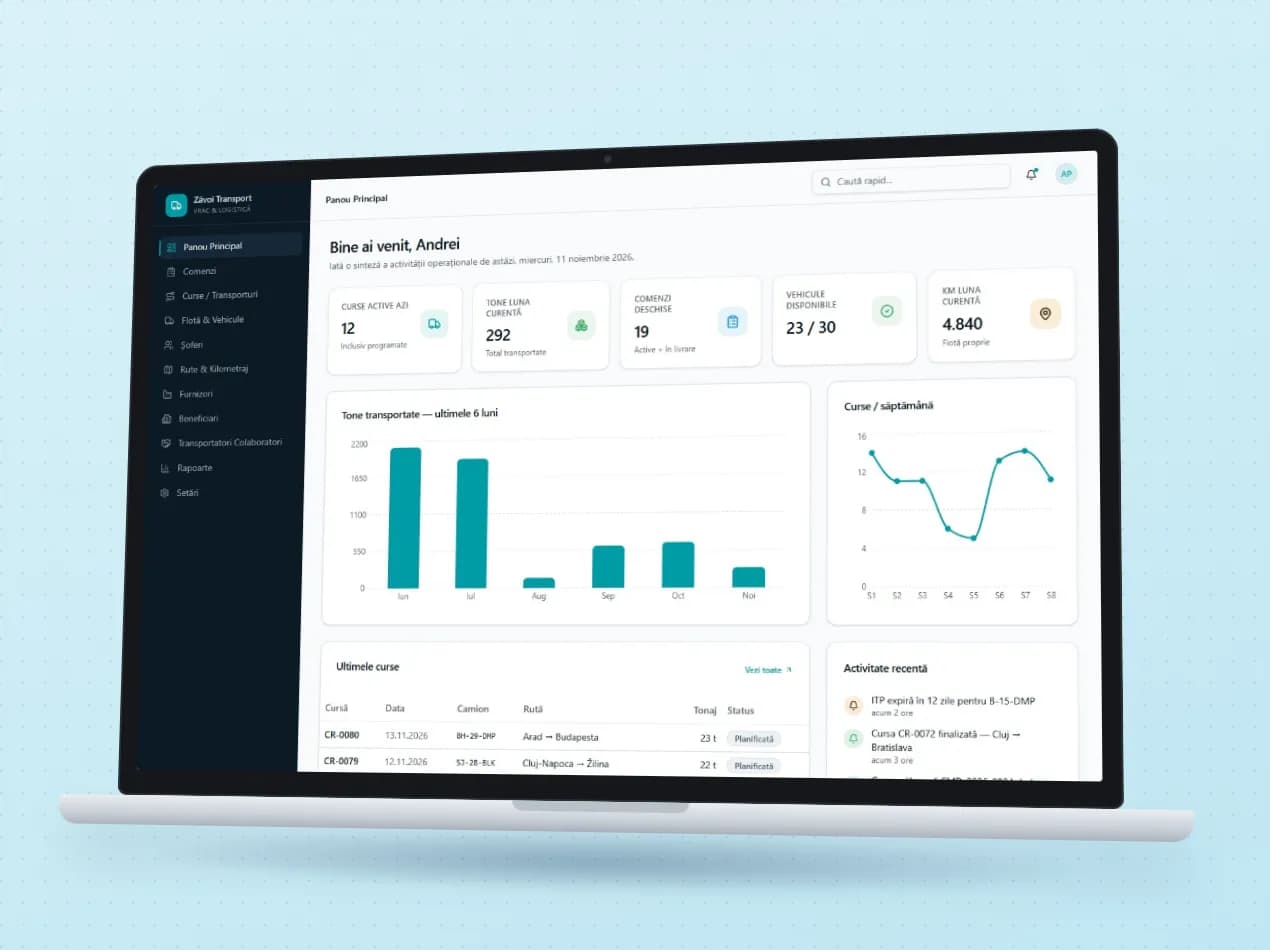
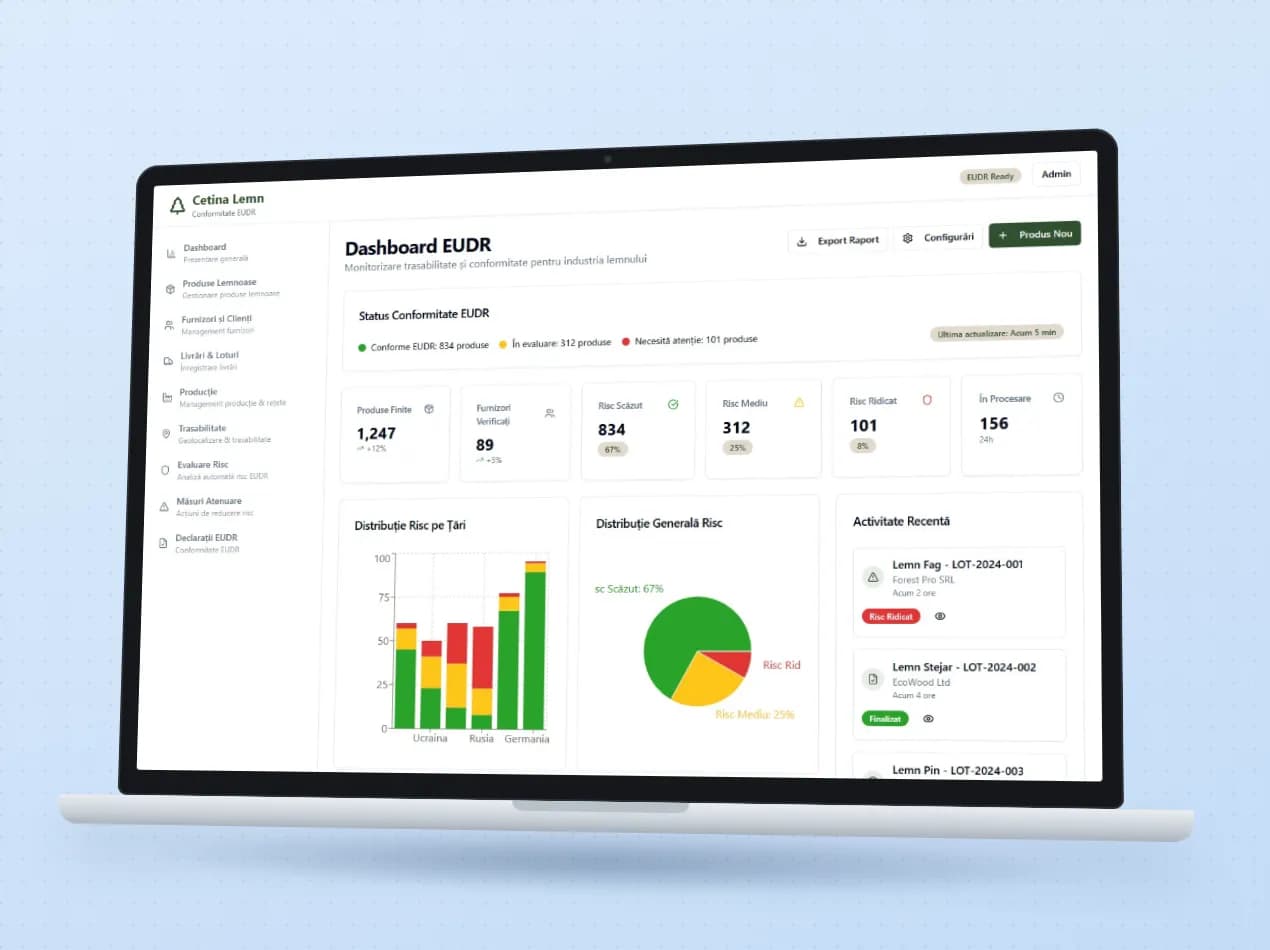
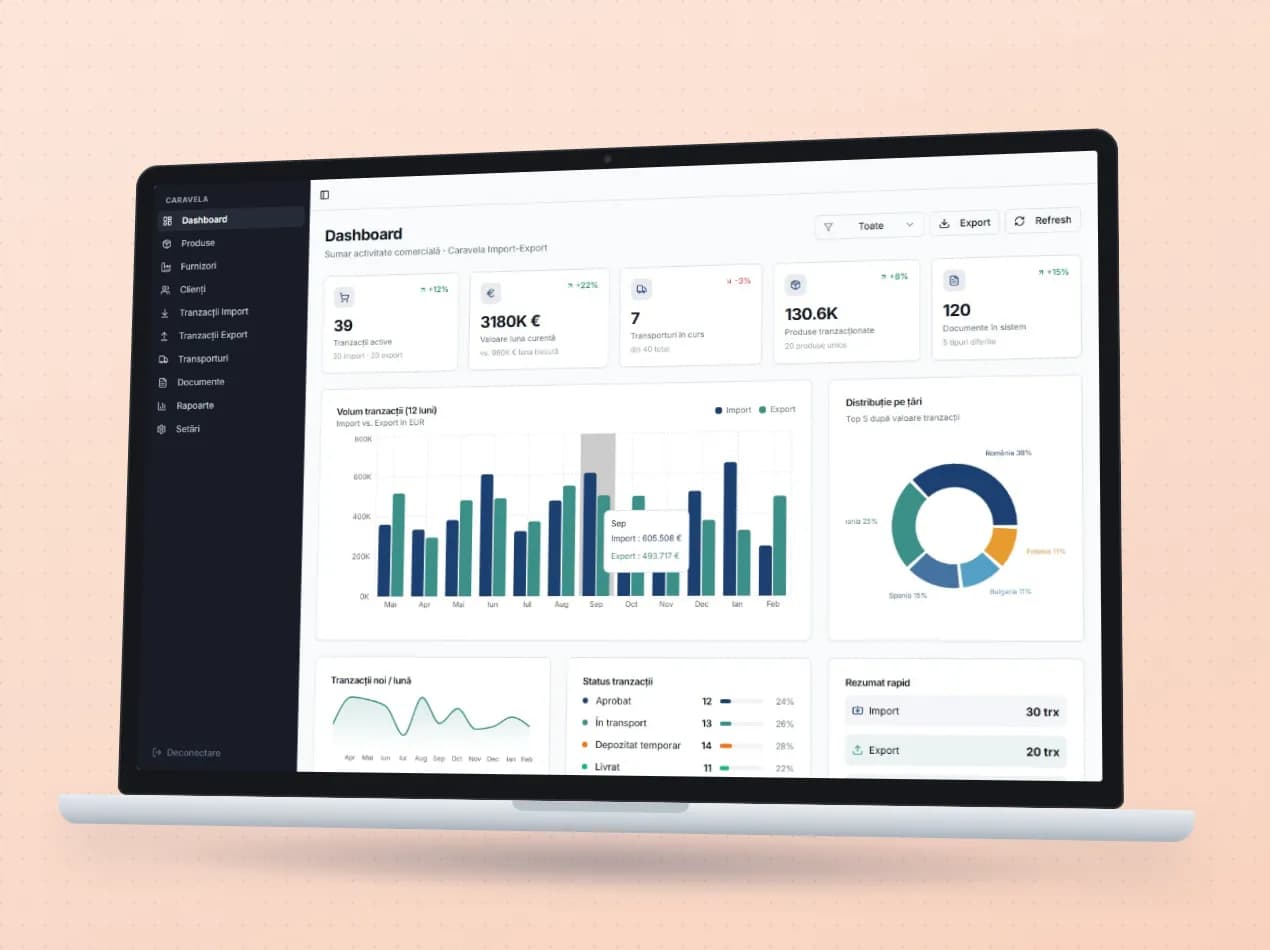
See the module in an app

Demo apps where this module works on test data. Open them directly, no account needed.

Frequently asked questions

Do drivers have to install an app?

Not necessarily. The driver portal opens in the phone's browser. Where it was needed, we have also built a separate app for couriers.

Which courier companies do you work with?

We have ready-made connections with FAN Courier, Sameday and DPD. The AWB is generated from the order, without anyone retyping it on the courier's website.

Is the suggested route the shortest one?

The system proposes the order by distance, starting from the nearest address. The dispatcher sees it on the map before departure and decides.

New request · returnVZV-NOU · 1/1
FROMYour company
TOVeziv IT Services

Tell us which process you want to put in order.

In a demo we show you the modules on an example close to your company and talk about what would need adapting.