

Veziv ERP module · MOBNew module
FROMVeziv IT Services, Bucharest
TOYour company

Field apps and portals

The shop floor operator writes things down on paper, the driver calls the office to find out where he’s going, and the customer phones to ask whether their order has left. Field apps put the ERP on everyone’s phone, with only the screens they need.

How it works

What goes into the module, what happens there and where the data goes next.

What comes in

  • Work orders from the shop floorProduction
  • The day’s deliveries and addressesLogistics
  • Tasks and materials on siteConstruction sites
  • Stock and warehouse locationsStock
  • The order to be confirmedSales
Field apps and portalsMOB

What the module does

  1. 01Shows each person only the screens for their role
  2. 02Scans QR codes with the phone’s camera
  3. 03Prints labels on the shop floor or warehouse printer
  4. 04Saves photos and answers directly on the task or job
  5. 05Opens the customer portal on a secure link

What goes out, and where

  • Production reported from the shop floorProduction
  • Batches scanned and labelledStock
  • Site log and issuesConstruction sites
  • Clock-ins and ticked-off tasksHR
  • The customer’s order confirmationSales

What you can do with it

Included functionsMOB · 10
  • Terminal for the shop floor operatorThe operator logs in with badge and PIN, then starts, pauses and finishes the job. Stoppages and scrap are recorded on the spot.
  • The warehouse on your phoneThe stock manager scans the QR code on the label and instantly sees the batch, where it came from and which stations it went through.
  • Labels printed from the appThe QR label prints straight from the phone, on the label printer in the factory or the warehouse.
  • The site on your phoneThe team leader keeps the installation log, notes issues, takes photos and fills in the handover report on site.
  • Driver portalThe driver sees his deliveries and the addresses on a map, on a screen built for the phone.
  • Sales rep portalThe sales rep places orders in front of the customer and sees the customer’s record and how much he has sold.
  • Tasks with photos for employeesThe employee gets the task on their phone, does it, attaches the required photo and sends it for review. They clock in from there too.
  • Customer or partner portalThe customer gets a link to confirm the order or follow the project and upcoming meetings, without an account. Where needed, the link also asks for a PIN.
  • Android and iOS appsWhen needed, the same screens become an Android and iOS app, with phone notifications and access to the label printer.
  • Installable web appsFor many roles, a page saved to the phone’s home screen is enough. It opens like an app, with no app store.

A day with the module

An example from a company that uses it.

  1. 06:45 · The shift starts at the terminal

    At a timber house manufacturer, the press operator logs in with badge and PIN. He sees the work order and starts the first cycle.

  2. 08:30 · New goods in the warehouse

    Twelve bundles of timber arrive. The stock manager prints a QR label for each one from his phone.

  3. 11:00 · The delivery leaves

    The driver sees today’s delivery and the address on the map on his phone, without calling the office.

  4. 14:00 · On site

    The installation team raises the structure. The team leader takes photos, notes a cracked beam and fills in the day’s log.

  5. 16:30 · The customer checks for himself

    The customer opens the link he received and sees the project’s progress and the next meeting, without calling the office.

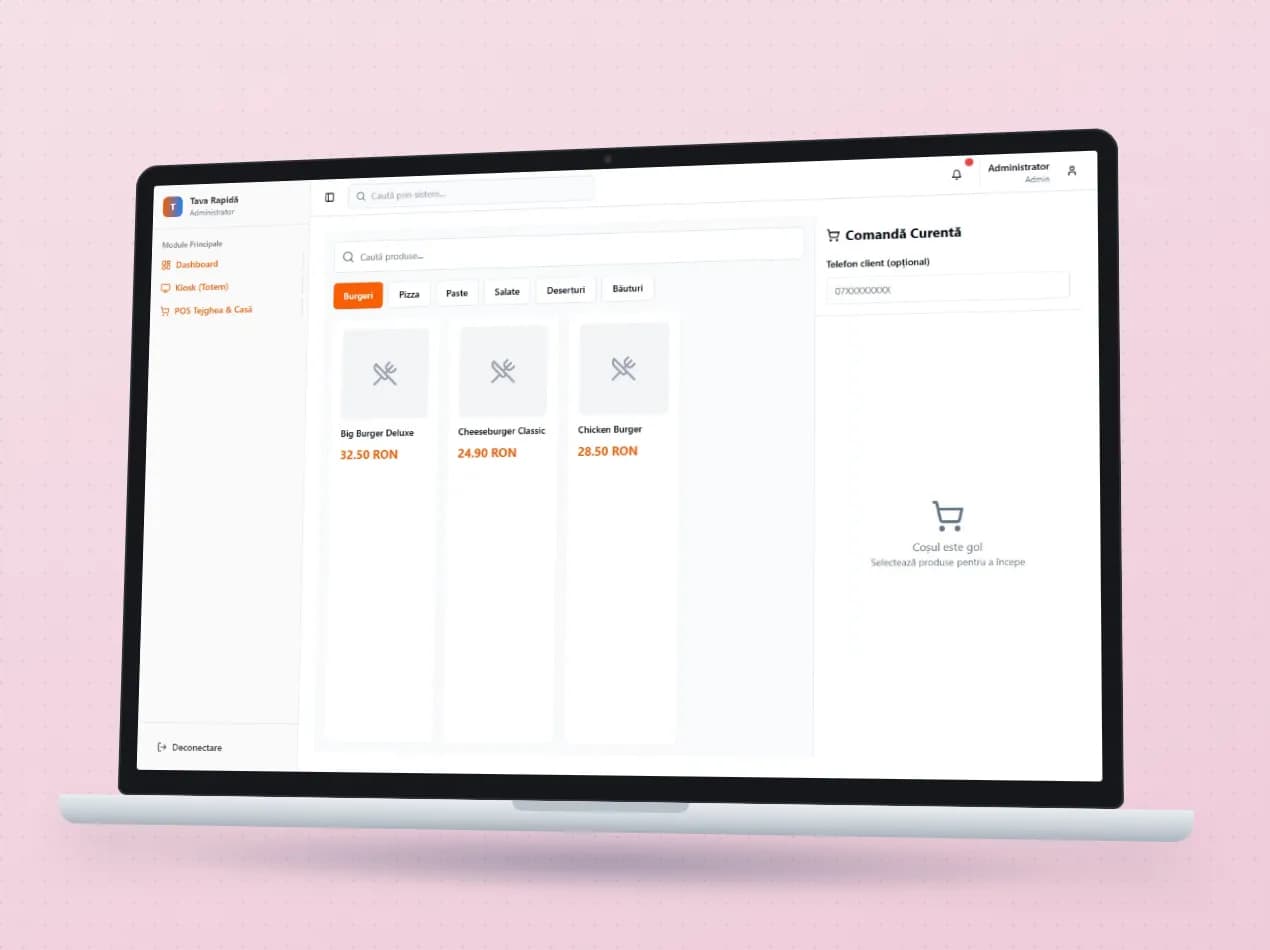
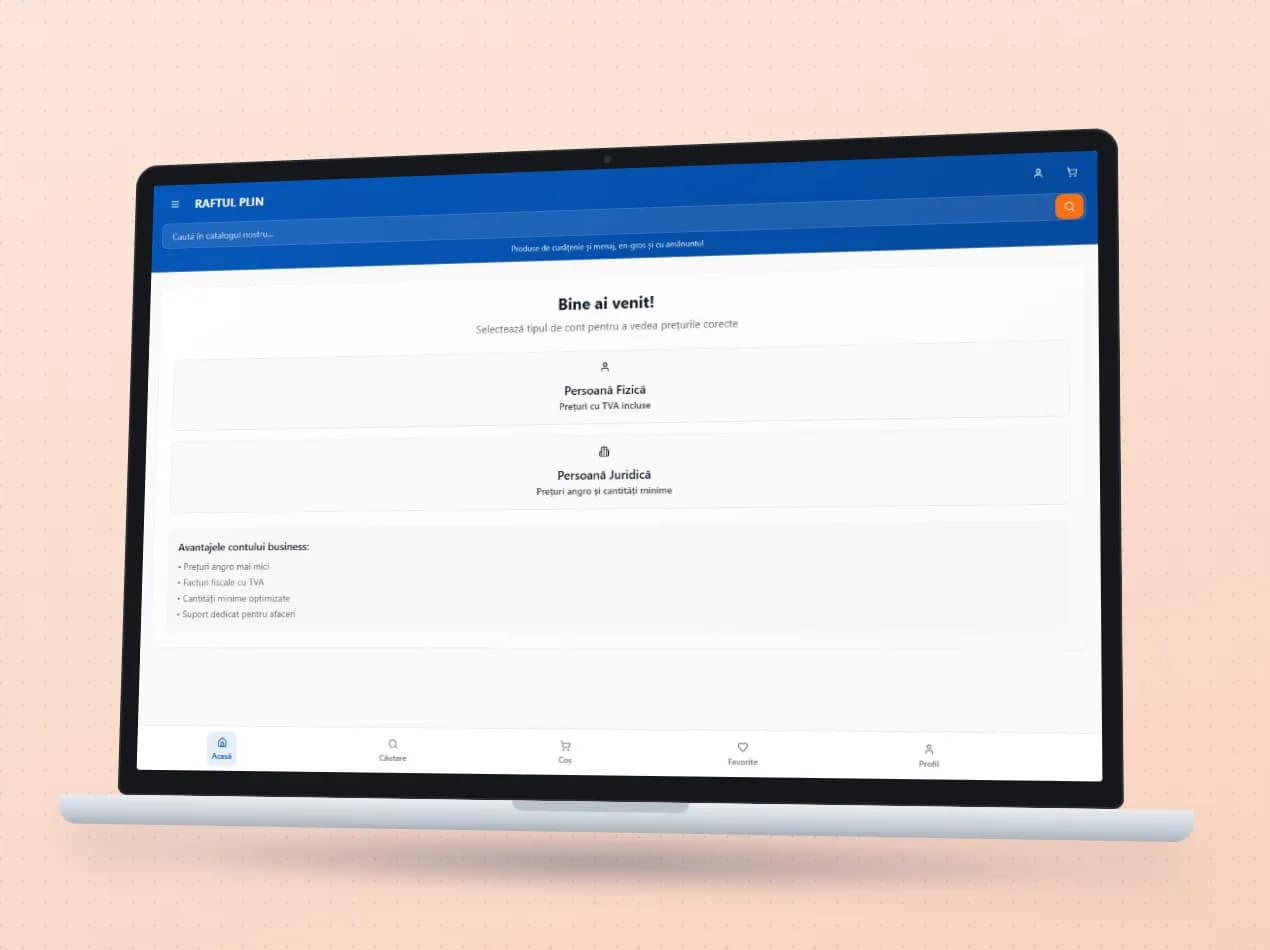
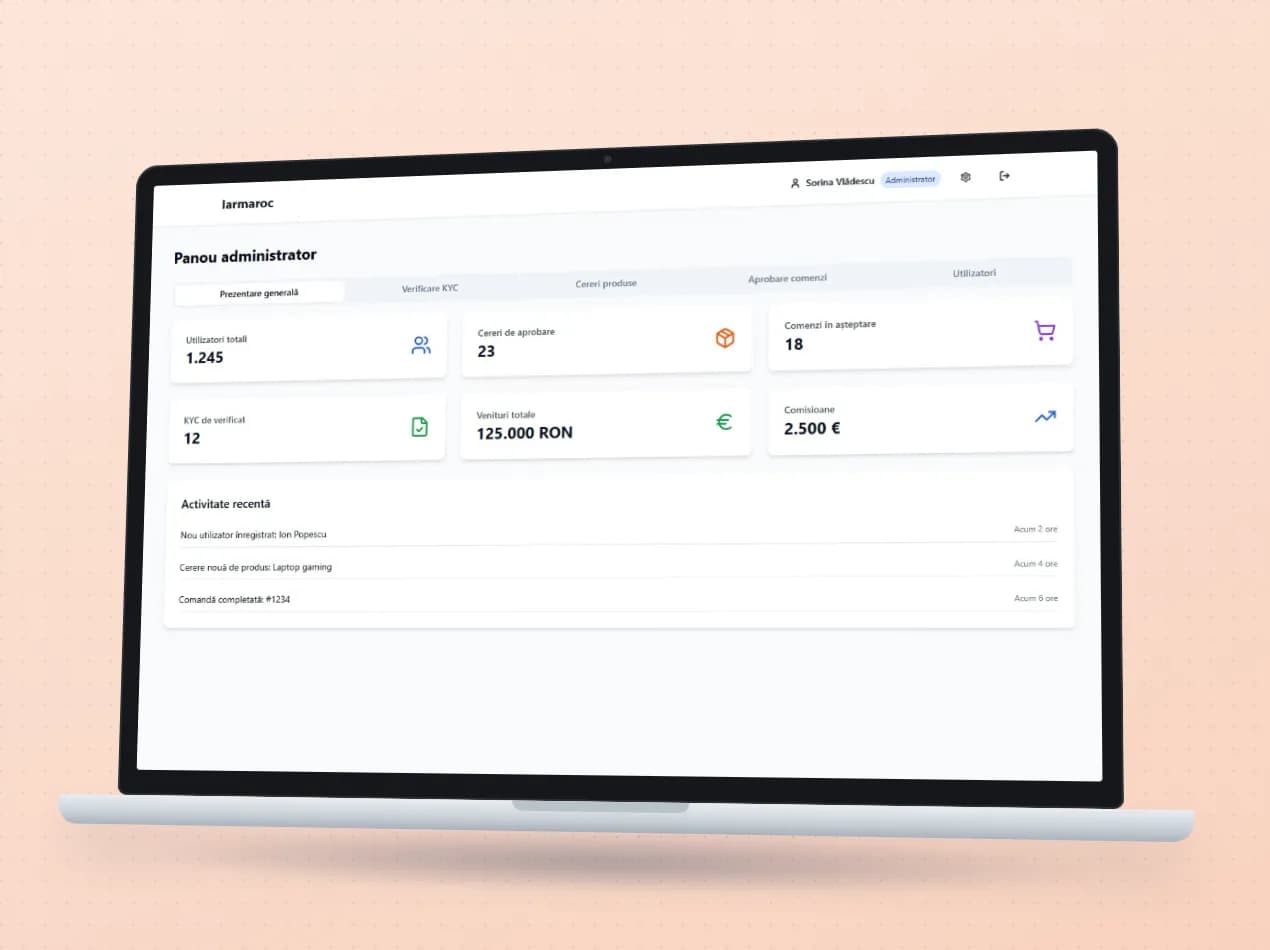
See the module in an app

Demo apps where this module works on test data. Open them directly, no account needed.

Frequently asked questions

Do we need to buy special phones or scanners?

Not necessarily. QR code scanning works with the phone’s camera. For labels you need a label printer.

Does an app have to be installed from a store?

Not always. Field screens work in the phone’s browser. Where notifications or a printer are needed, we also build them as an Android or iOS app.

Does the customer need an account to see their order?

No. They get a secure link and, where needed, a PIN.

New request · returnVZV-NOU · 1/1
FROMYour company
TOVeziv IT Services

Tell us which process you want to put in order.

In a demo we show you the modules on an example close to your company and talk about what would need adapting.