

Tell us which process you want to put in order.
In a demo we show you the modules on an example close to your company and talk about what would need adapting.
- PHONE0752 558 435
- EMAILinfo@veziv.ro
You download incoming invoices from SPV by hand, hunt for them in your inbox, and the accountant types them into SAGA all over again. You find out what a project actually cost after the month has closed. The Finance module takes the documents from your operations, sends them to accounting and shows you the money for each cost centre.
What goes into the module, what happens there and where the data goes next.
What comes in
What the module does
What goes out, and where
An example from a company that uses it.
The owner of an electrical supplies distributor gets the list: 6 invoices fall due today, 3 have been overdue for more than a week.
Overnight, 14 supplier invoices were downloaded. Each one is linked to the supplier and to the purchase order.
The cable invoice shows 500 metres, but 450 were received. The difference is flagged before payment.
The goods for a construction site have been delivered. The invoice is issued from the delivery note through FGO and reaches the customer by e-mail.
The day's NIRs, consumption notes and invoices are already in SAGA. The accountant no longer asks for paperwork on WhatsApp.
Data moves between modules on its own, never typed in twice.
Kinds of companies where we put the module to work, fitted to their processes.
Demo apps where this module works on test data. Open them directly, no account needed.
The dashboard shows what was invoiced and collected over the last months, the costs of jobs in progress and the late jobs. Leads are tracked by source and value, every job has a budget, spending and progress, and the stock module handles goods receipts, transfers, consumption notes and delivery notes.
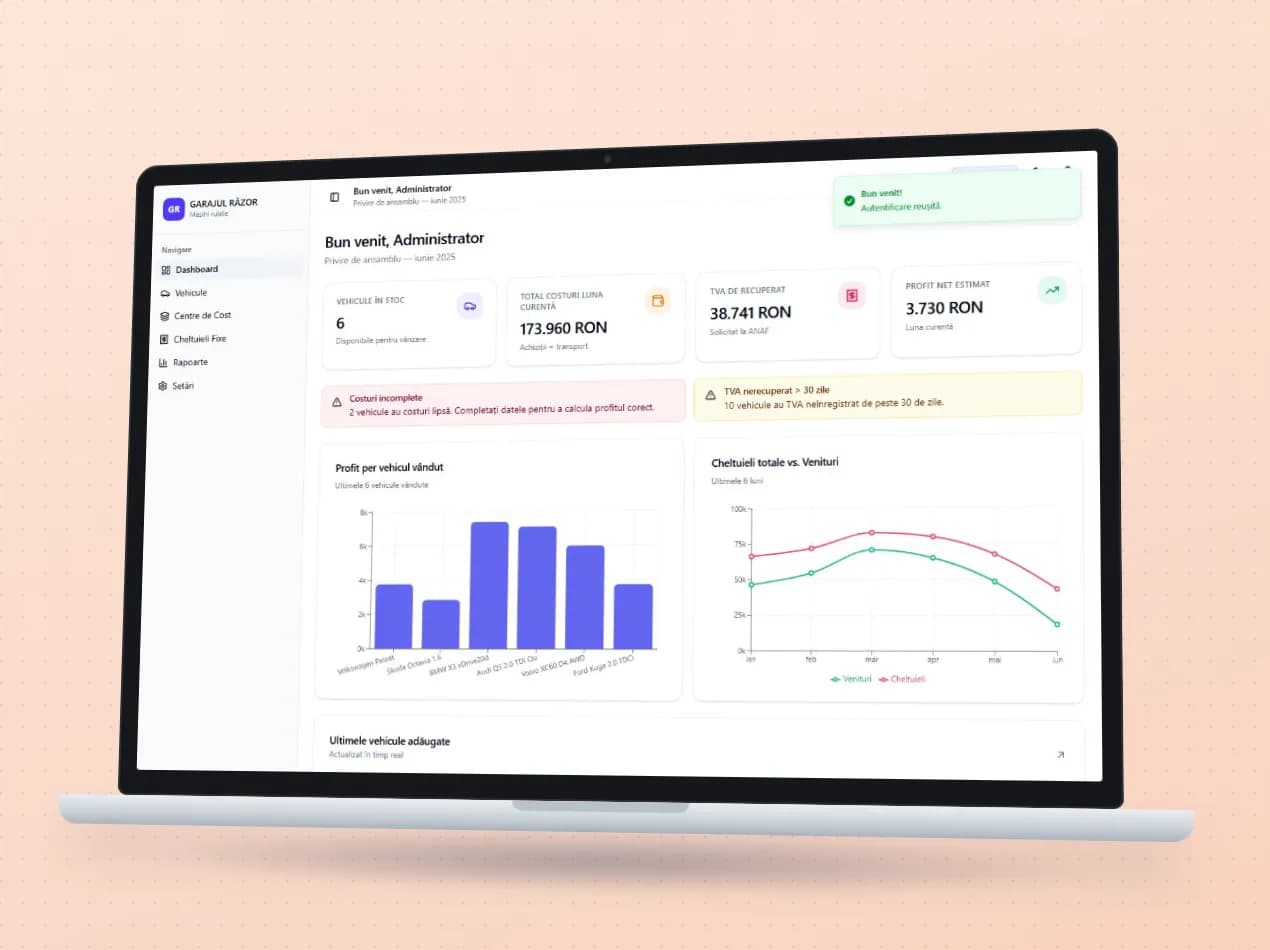
Every car brought in from Germany, Austria or Belgium carries its real cost: the purchase price at the central bank rate, transport, repairs and the VAT to be recovered. Salaries, rent and the other fixed costs are kept separately, and the reports show the profit on each car sold and on each month.
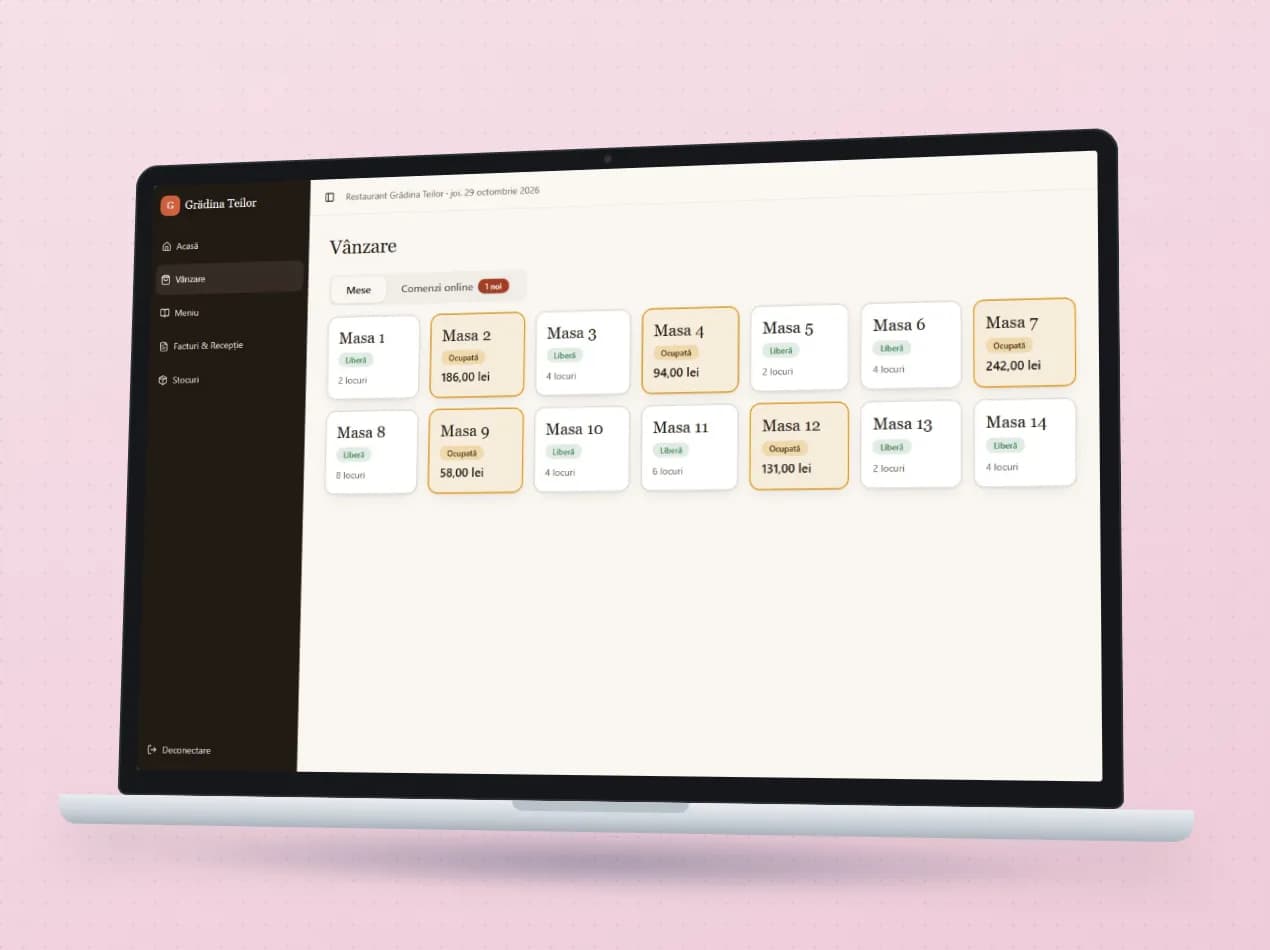
Waiters see which tables are free or taken and send orders to the kitchen, while guests can order from the online menu at the table or ahead of arriving. Supplier invoices arrive from the tax portal, are received line by line and turned into goods receipts, and kitchen and bar stock shows what expires in the coming days. Menu, prices and photos are changed in one place and published online.
No. The documents land in SAGA, and the accountant works just as before. The connection is made through export, directly from the SAGA database files or through SAGA Web, depending on how they work.
We have worked with SAGA, NextUp, Nexus, FGO and SmartBill. For other software we check which data can be exchanged and build the connection.
Yes. Each company connects to SPV once, then incoming invoices are downloaded automatically and linked to suppliers.
In a demo we show you the modules on an example close to your company and talk about what would need adapting.